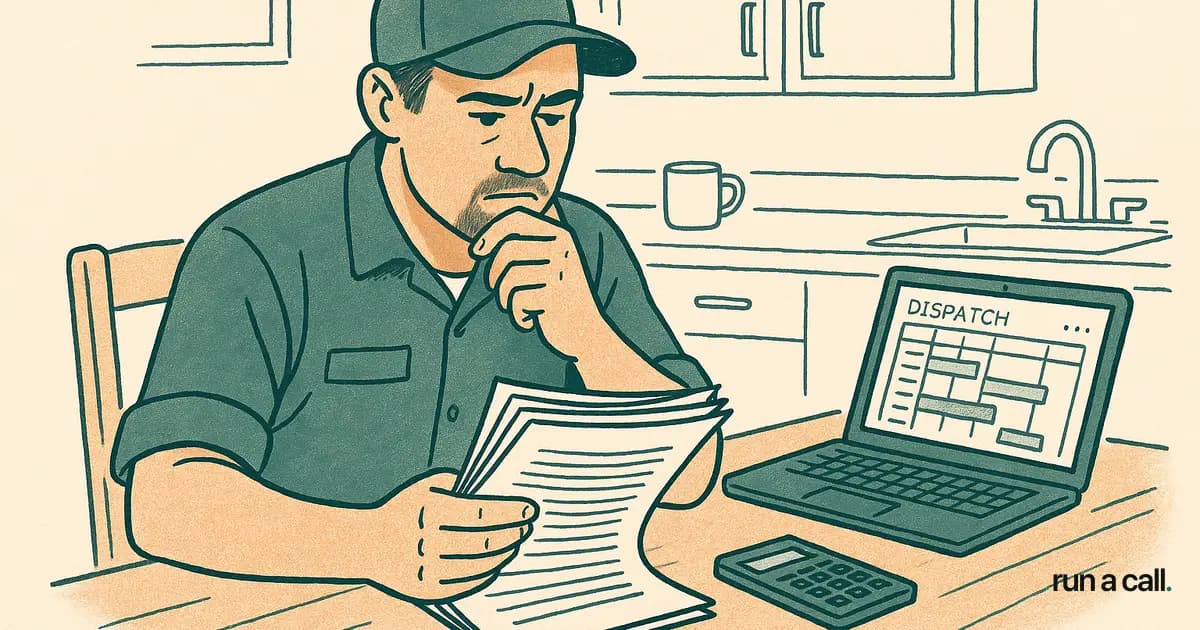
How to Cancel ServiceTitan (Without Getting Burned by the ETF).
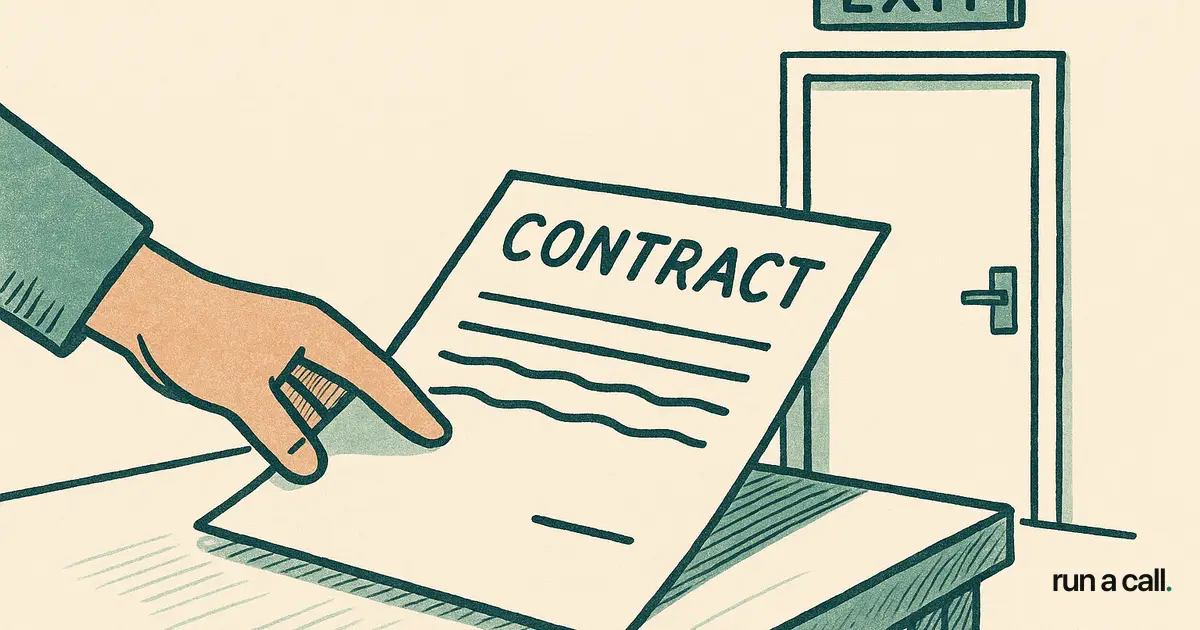
One HVAC shop owner paid $46,170 to leave ServiceTitan. Another paid $40,000. A third paid $39,375. These are not horror stories someone made up on Reddit — they are documented in BBB complaint filings against ServiceTitan, which holds a 1/5-star BBB rating across 32 reviews with 27 complaints on record. If you are mid-contract and thinking about canceling, the early termination fee is real, it is large, and the clock starts the day you sign — not the day you go live. This guide walks you through exactly how to cancel ServiceTitan: what your contract says, how to calculate your ETF exposure, how to negotiate, how to pull your data, and how to run a parallel migration so the day you flip the switch is not the day your dispatch board goes dark.
What Does Canceling ServiceTitan Actually Cost?
Canceling ServiceTitan before your contract ends means paying 100% of the remaining contract value as an early termination fee. On a 24-month contract at $300/tech/month with eight technicians, that's $2,400/month times the months left. Walk away at month six and you owe $43,200.
ServiceTitan's typical pricing runs $245–$500 per technician per month, plus a $5,000–$50,000 setup fee, on a 12–24 month contract (BBB filings). The setup fee is rarely refundable. The ETF is contractually enforced — and based on the BBB record, they collect it.
The four documented ETF amounts from BBB complaints: $46,170, $40,000, $39,375, and $24,000. Every one of those shops signed a contract they thought they could get out of. Read your contract's termination clause before you do anything else.

How to Read Your ServiceTitan Contract Before Canceling
Pull your original Master Subscription Agreement and look for three clauses: the initial term, the auto-renewal window, and the termination-for-convenience section. Most HVAC shops on ServiceTitan are on a 12- or 24-month initial term that auto-renews unless you send written notice 30–90 days before the renewal date.
The auto-renewal window is your lowest-cost exit. Miss it and you've just started another full term. Hit it and you walk with no ETF. Mark that date in your calendar today — then work backward 90 days to give yourself buffer.
If you are inside the contract term, look for a 'termination for cause' clause. ServiceTitan's 2.9 monthly outages at an average 188-minute resolution (IsDown, 110 incidents since Jan 2023) may give you material breach grounds — especially if you can document dispatchers unable to access the board during a peak demand day. Talk to a contract attorney before invoking this; it's not a guaranteed out, but it's a real one.
How to Negotiate Your ServiceTitan ETF Down
ServiceTitan does negotiate ETFs — not always, but often enough to try. The shops that get reductions are the ones that document their case before picking up the phone.
Start with your support ticket history. Every time a tech couldn't pull up a job, every dispatch board outage, every time a customer didn't get a booking confirmation — export those tickets. Pair them with the IsDown outage log to show dates and durations. Frame the conversation as 'here is the business impact of your reliability record' rather than 'I just want out.'
Ask for a fee waiver in writing, not on a call. Email your account executive and CC your assigned Customer Success Manager. Request a 'mutual termination agreement' with a reduced or waived ETF in exchange for a structured data handoff. Some shops have gotten 50% reductions. None of that is guaranteed, but the worst answer is no — which is exactly what you get if you don't ask.
How to Export Your Data from ServiceTitan
Before you cancel — ideally 30 days before — export every data set you own. ServiceTitan allows CSV exports from the Reporting module. Pull customers, job history, invoices, pricebook items, technician records, and memberships. Do this while your account is still active and your credentials still work.
The fields that trip up most migrations: customer 'preferred tech' assignments, SPP membership expiration dates, and pricebook task codes that don't map cleanly to the new system. Export these separately and clean them in a spreadsheet before importing anywhere. A dirty import creates callbacks and billing errors on day one.
Store your exports in two places — a local drive and a cloud folder. ServiceTitan's contract may allow them to suspend access upon notice of cancellation. Don't find that out the hard way.
How to Run a Parallel Migration So Your Dispatch Board Never Goes Dark
The riskiest way to switch software is to cancel on Friday and go live Monday. The right way is a parallel run: two weeks minimum where both systems carry live data, your dispatchers work out of the new board, and ServiceTitan stays on as a read-only backup.
Import your customer list and pricebook into the new system first. Then run a week of test dispatches: create jobs, assign techs, close out work orders, and run an end-of-day invoice report. Compare the numbers against ServiceTitan line by line. When the outputs match, your dispatchers are trained, and your techs have the new mobile app on their phones — that's your cutover signal.
For an average 10-tech residential HVAC shop, a clean parallel migration takes 10–14 days. If you're moving off a deeply customized ServiceTitan build — multi-location, complex membership tiers, integrated marketing dashboards — budget three to four weeks. The ServiceTitan alternative for HVAC comparison we've published walks through feature-by-feature what to verify during that parallel window.
Cut ServiceTitan access only after your first full week of live production data runs cleanly in the new system. Then send your written cancellation notice per the contract terms.
What to Look for in a ServiceTitan Alternative for HVAC
The best ServiceTitan alternative for your shop depends on headcount, service mix, and how much of ServiceTitan's feature set you actually used. Most residential HVAC shops with 5–25 techs use about 30% of what ServiceTitan sells them — dispatch, scheduling, invoicing, and pricebook. They pay for the other 70%.
Jobber and Housecall Pro are lighter tools that work for smaller shops but thin out fast once you need customer-favorite-tech rules, SPP tracking, or a real dispatch board. FieldEdge has deeper HVAC roots but still runs on annual contracts. Service Fusion is mid-market and worth a look if you need multi-location.
Run a Call is built specifically for residential HVAC shops with 5–25 techs: one flat monthly price per shop (see the pricing page), no setup fee, no ETF, QuickBooks Desktop sync, Stripe Connect for card-on-file, and explainable AI dispatch with thumbs feedback so your dispatchers stay in control.Walk through Run a Call to see the dispatch board, pricebook, and membership module side by side with what you're leaving behind. The Google Play rating on ServiceTitan's mobile app sits at 2.6/5 across 960+ reviews (Google Play) — that's the thing your techs use in the field every day. It matters.
Frequently asked
Can I cancel ServiceTitan without paying an ETF?
Yes, but only in specific situations. The lowest-risk path is canceling during the auto-renewal window — typically 30–90 days before your contract renews. Miss that window and you'll owe the full remaining balance as an ETF. Inside a contract term, you may have grounds for termination-for-cause if you can document material service failures (outages, data loss, etc.), but that route requires a contract attorney and is not guaranteed.
How much is the ServiceTitan early termination fee?
ServiceTitan contracts typically require 100% of the remaining contract value as an ETF. Based on BBB complaint filings, documented amounts paid by HVAC shops include $46,170, $40,000, $39,375, and $24,000. Your specific amount depends on your per-tech monthly rate, number of techs, and months remaining on the contract.
Will ServiceTitan let me export my customer and job data?
Yes. ServiceTitan allows CSV exports from the Reporting module, covering customers, job history, invoices, and pricebook. Export everything before you cancel or send your notice — access may be restricted once termination is in process. Pull SPP membership data and preferred-tech assignments separately; those fields rarely export cleanly in a single pull.
How long does it take to migrate from ServiceTitan to another HVAC software?
A clean parallel migration for a 10-tech residential HVAC shop takes 10–14 days. Shops with complex membership tiers, multi-location setups, or heavy customization should budget three to four weeks. The key is running both systems with live data for at least one full week before cutting over — not flipping the switch cold on a Monday morning.
What is the best ServiceTitan alternative for a residential HVAC shop?
It depends on your headcount and how much of ServiceTitan's feature set you actually use. For residential shops with 5–25 techs focused on dispatch, invoicing, SPP tracking, and pricebook, Run a Call is purpose-built at one flat monthly price per shop with no setup fee and no ETF. Jobber and Housecall Pro work for smaller shops. FieldEdge and Service Fusion are worth evaluating if you need deeper multi-location or commercial service features.
Ready to switch HVAC software?
Walk through the dispatch board, pricebook, and mobile app in 30 minutes. No commitment.

Co-founder of run a call. Owns engineering. €6M of operational systems at Airbus, then an AI workflow-automation firm acquired by Transputec, now Head of Enterprise Automation there.
Read full bio →