HVAC Dispatch Software: An Owner's Evaluation Guide.
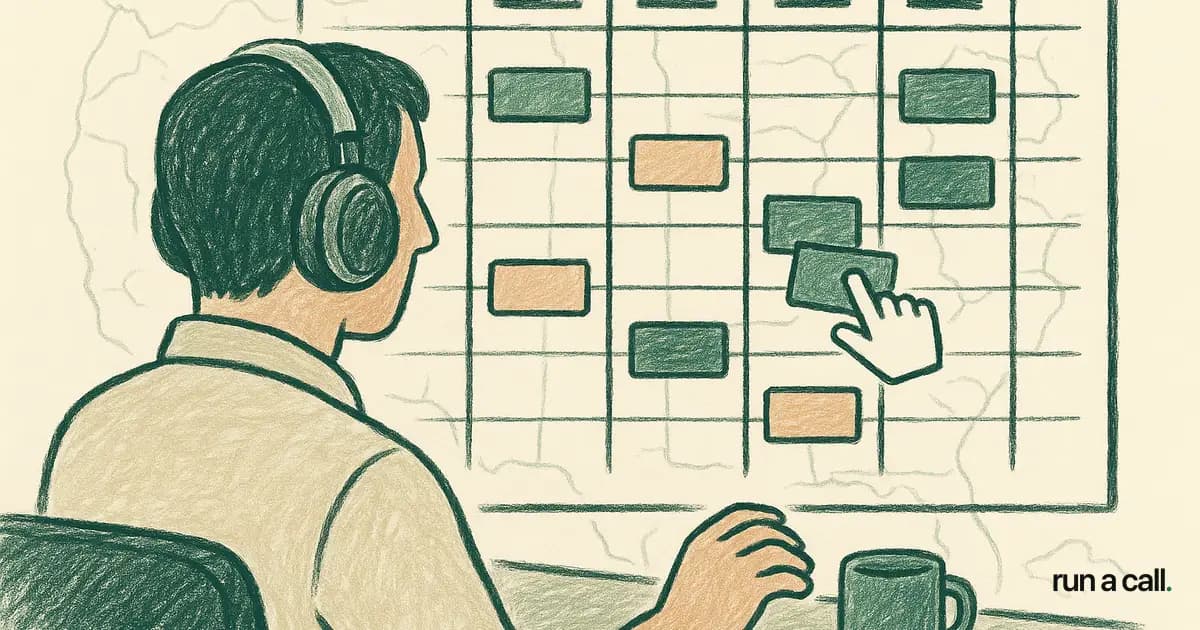
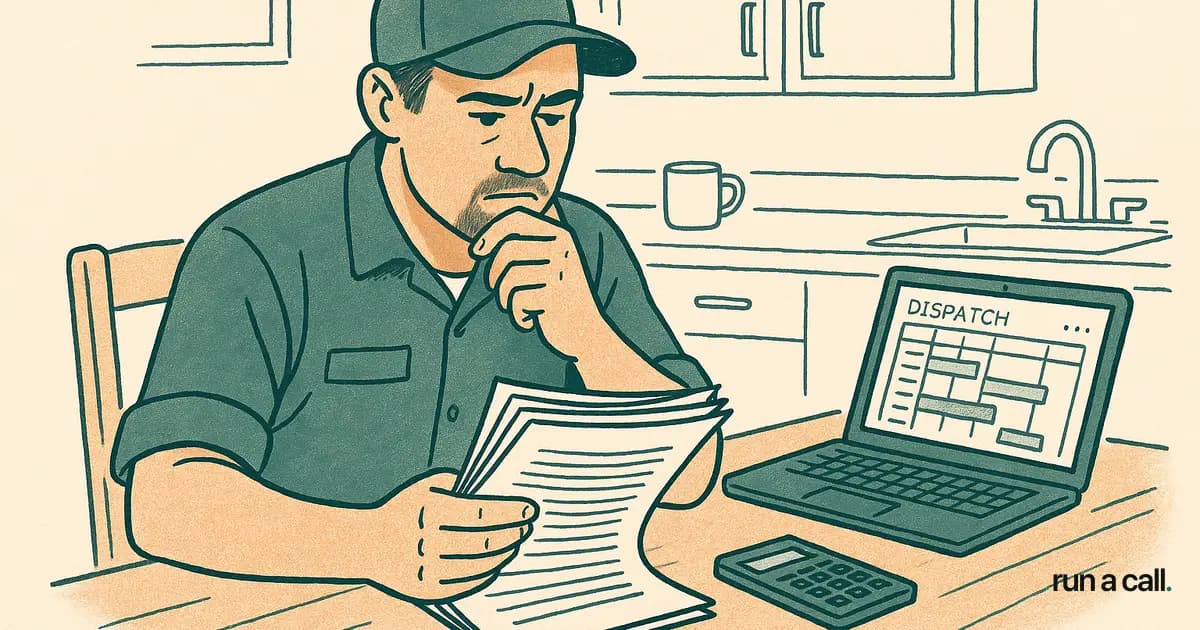
A dispatcher running 10 techs makes about 40 board changes a day. Same-day adds, no-shows, parts runs, the call that turns into a change-out. If each change takes four clicks and a save instead of a drag, that's an hour of mouse work. Multiply by 250 working days and you've spent a full work-month moving rectangles around a screen. That's the problem HVAC dispatch software is supposed to solve, and most of it doesn't. This piece is for the owner who's evaluating a dispatch board — what to look for, what to ignore, and how to tell whether a vendor's demo will hold up on a 95-degree Tuesday in July.
What HVAC dispatch software actually does
HVAC dispatch software takes incoming calls, assigns them to technicians on a visual board, tracks the trucks through the day, and re-shuffles the schedule when reality hits. That's the job. Everything else — pricebook, invoicing, reporting — is adjacent.
The core artifact is the dispatch board: a grid where rows or columns are technicians and the other axis is time. Each call is a card. The dispatcher's whole day is moving cards around so that the right tech, with the right truck stock and the right skill, gets to the right house at roughly the right hour.
What separates a useful dispatch tool from a frustrating one is what the card carries. A good card shows the customer's address, the equipment on file, the favorite-tech flag, the last invoice total, the membership status, and any open warranty work — at a glance, without a click. A bad card shows the customer name and the time, and forces the dispatcher to open three tabs to find the rest.
The second thing that separates them is what happens when you move a card. The good ones text the customer the new ETA, recalculate the tech's route, warn you if you just assigned a 410A leak job to a tech who isn't EPA-certified, and log the change. The bad ones just move the rectangle and hope you remember to call the homeowner.
If you remember nothing else from this article, remember those two tests: what does the card show, and what does the move trigger.
The HVAC dispatch board: what to look for
An HVAC dispatch board should give your dispatcher every decision input on one screen, with drag-and-drop as the primary verb. Anything that requires opening a sub-window during a busy morning is friction you'll pay for in callbacks and dropped calls.
Here's the checklist I run when I'm evaluating someone else's dispatch board on a demo:
Drag-and-drop with a real preview. When I pick up a card and hover it over a tech's column, I should see the new ETA before I drop. Not after.
Skill and certification flags. Mini-split installs need a different cert than a gas furnace. The board should warn me, not the tech at the door.
Truck stock visibility. If Mike is out of run capacitors and the next call is a no-cool with an old SPP, the board should know.
Customer-favorite-tech surfacing. When I drop a card, the customer's preferred tech should be highlighted. More on this below.
Same-day capacity at a glance. A color band showing each tech's remaining hours, including drive time. Not a number I have to calculate.
Multi-day view for installs. A change-out is a 6-hour job. I need to see it as a block, not as six 1-hour cards.
Drag-and-drop dispatch for HVAC isn't a gimmick — it's the difference between a dispatcher running 12 techs comfortably and a dispatcher running 8 and dropping calls. Every modern HVAC dispatch board does drag-and-drop. The question is what the drop triggers.
The last thing I'll say on the board: avoid anything that won't show you the whole day on one screen at 1920x1080. If you have to scroll horizontally to see your afternoon, you'll miss the gap that should have absorbed the 2pm same-day add.
Why customer-favorite-tech dispatch matters more than route optimization
In residential HVAC, the customer who liked Mike doesn't want Steve — they want Mike, and they'll wait a day for him. That's the whole argument for customer-favorite-tech dispatch, and it beats route optimization on revenue almost every time.
When ServiceTitan weakened their favorite-tech feature in spring 2024, it became the #1 community complaint on the user forums. Shops were watching their repeat-customer close rates drop because the board was sending the optimal tech by drive time instead of the right tech by relationship. The optimal-by-drive-time tech walks in cold. The favorite tech walks in and the homeowner already trusts the recommendation.
A favorite-tech rule is just a flag on the customer record that says "prefer Mike." The board surfaces it when you assign the call. You can override — sometimes Mike is on vacation, sometimes the job needs a senior tech for a tricky diagnostic — but the default is Mike, and the override is a deliberate choice, not an oversight.
The math: a repeat customer with a favorite tech closes service-to-replacement at roughly double the rate of a cold assignment. I don't have a public source for that number — it's what shops tell me when I ask — but every owner I've talked to confirms the pattern. You're not optimizing for drive time, you're optimizing for the next change-out.
If a dispatch tool doesn't have a real favorite-tech flag — not a note field, not a tag, but a structured rule the board reads — cross it off the list. You'll lose the residential book of business that took you ten years to build.
How to dispatch HVAC techs without burning your A-players
The fastest way to lose your best technician is to give him every replacement lead because he closes them. Within six months he's resentful, his wife is annoyed about the hours, and he's taking calls from your competitor. HVAC dispatch best practices are mostly about not doing the obvious thing.
Here's the rule set I'd run if I were dispatching today:
1. Cap your closer at 2 leads per day. Your A-player should run 2 service calls and 2 estimates, not 5 estimates. Estimates burn you out faster than wrenches do because every one ends with the customer either saying yes (relief) or no (rejection). Five rejections in a row and your guy is done.
2. Develop your B-techs on real calls. A tech becomes a closer by running calls and getting yes-and-no answers, not by riding along with the senior guy for two more years. Send your developing techs on the boring no-cools and let them propose the capacitor-and-contactor option. They learn the kitchen-table conversation by having it.
3. Honor the favorite-tech flag, even when it costs routing. I covered this above, but it bears repeating: 15 minutes of extra drive time to send Mike to his customer is cheaper than the customer telling a neighbor that you sent a stranger.
4. Cap same-day add-ons after 2pm. One per tech. Past that and you're asking for sloppy work, missed parts, and a callback that costs you a truck roll plus the goodwill credit. The dispatch board should enforce this, not just advise it.
5. Separate the install board from the service board. Service techs run a different rhythm than install crews. Mixing them on one view confuses everybody. A real HVAC dispatch tool gives you tabs or filters so each side has its own day.
6. Brief the morning, debrief the afternoon. The board doesn't replace the 7:15am huddle. It replaces the 30 phone calls that would otherwise happen between 7:15 and 9. Use the time you save to actually talk to your team about what's coming.
Dispatch software reliability: the bar nobody talks about
If your dispatch board goes down on a 95-degree Tuesday, your shop is offline. No assignments, no SMS to customers, no tech check-ins — and 60 angry homeowners by lunch. Reliability isn't a feature, it's the floor. So evaluate it like one.
ServiceTitan averages 2.9 outages per month at 188-minute average resolution time, per IsDown's tracking. That's roughly three full half-days of downtime per quarter where your dispatch board is unreliable. For a 15-tech residential shop, three hours of dispatch downtime in July is a five-figure revenue event.
When you evaluate any HVAC dispatch tool, ask three questions:
Where's your status page? Real ones have one. If the answer is "we don't publish that," assume the worst.
What's your offline mode for techs? A tech mid-job shouldn't lose data because the dispatch server hiccupped. Mobile apps should queue and re-sync.
What happens to my dispatcher when you're down? A printed schedule from 6am is the fallback. The vendor should help you build that workflow, not pretend outages don't happen.
The other reliability question is the mobile app, because that's where 70% of your interactions happen. Check the Google Play and App Store ratings before you sign — not the marketing page. ServiceTitan's mobile app sits at 2.6/5 on Google Play, which is what techs are saying about the daily-use part of the product.
Reliability is a multi-year compounding bet. A board that's up every day and fast every time saves you operational pain that no feature list will. This is the one place I'll tell you to be boring in your selection.
How to evaluate HVAC dispatch software vendors
Most HVAC dispatch tools demo well and run badly. The vendors are good at scripted scenarios with clean data; your shop is messy data with real interruptions. Here's how to break the demo.
Bring your own calls. Send the rep 10 real customer records and 10 real call types from last week, anonymized. Make them load it during the demo. Anything that can't import a CSV in 20 minutes will take 6 months to onboard — and ServiceTitan's typical onboarding is 6-12 months for a reason.
Time the dispatch moves. Pick a random afternoon scenario and ask the rep to re-shuffle 5 calls in front of you. Count the clicks. If a single move takes more than 3 actions, your dispatcher will hate it by week two.
Ask about the 30% problem. Most shops use about 30% of the features in big tools like ServiceTitan. The other 70% is bloat you're paying for and tripping over. Walk through the screens and ask which features your dispatcher will actually touch daily. If the rep can't answer crisply, the tool is built for someone bigger than you.
Pricing transparency. Per-tech pricing punishes you for growing. ServiceTitan's S-1 disclosed effective ticket fees of $245-500 per tech per month plus $5-50K setup, per their public filing. For a 15-tech shop that's $4-7K/mo before you turn the lights on. Compare to flat pricing — Run a Call is one flat monthly price per shop — and the math gets obvious fast.
Migration story. Ask how they pull data out, not just how they put it in. Any vendor that won't export your customers, equipment, jobs, and invoices to CSV on demand is holding you hostage. The right answer is "it's your data, here's the export button."
If you're specifically evaluating against the big incumbent, the ServiceTitan alternative for HVAC page walks through the parallel-run migration pattern we use to move shops off without losing calls during cutover. It's not magic — it's just careful sequencing.
What good dispatch looks like 90 days in
Ninety days after switching to dispatch software that fits your shop, three things should be true. If they aren't, the tool isn't doing its job.
One: your dispatcher takes lunch. This sounds like a joke. It's not. A dispatcher who can't step away from the board for 30 minutes is running a fragile process. The right tool absorbs the routine moves — SMS the customer, recalculate the ETA, surface the favorite tech — so the dispatcher only intervenes on real exceptions.
Two: your callback rate drops. Callbacks are the cleanest signal of dispatch quality. Wrong tech, wrong skill, wrong truck stock — they all show up as callbacks two weeks later. If your callback rate isn't down 20-30% by month three, the board isn't routing intelligently. It's just a prettier spreadsheet.
Three: your average ticket goes up. Not because techs are upselling harder, but because the right tech is showing up to the right house. The favorite-tech rule, the skill match, the equipment history on the card — they all compound into the tech making a better recommendation. Average ticket up 8-12% in 90 days is a reasonable bar.
If you're hitting all three, the dispatch tool earned its keep. If you're hitting none, the tool is wrong for your shop and the longer you wait the more expensive the switch gets.
The last thing I'll say: dispatch is the highest-leverage software decision a residential HVAC owner makes. It touches every tech, every customer, every revenue dollar. Spend the time on the evaluation. Bring your own data. Time the clicks. Ask about outages. The vendor that survives those questions is the one you should sign with — and if that vendor ends up being us, good. If it isn't, at least you'll have picked carefully.
Frequently asked
What is HVAC dispatch software?
HVAC dispatch software is the tool a dispatcher uses to assign service calls to technicians on a visual board, track where each truck is during the day, and re-shuffle the schedule when a job runs long or a same-day call comes in. The good ones let you drag a call between techs without opening five menus, show truck stock and tech skills next to the job card, and keep the customer informed by SMS without the dispatcher typing anything.
How do you dispatch HVAC techs without burning your A-players?
Three rules. One: don't stack every replacement on your closer — let your developing techs run service calls so they grow into the seat. Two: send the customer's favorite tech back when they request one, even if it costs you 15 minutes of routing — repeat-customer revenue is worth it. Three: cap each tech at one same-day add-on past 2pm, or callbacks spike because rushed work is sloppy work.
What is a customer-favorite-tech rule?
It's a dispatch flag that pins a customer to a specific technician, so when they call back the board automatically suggests that tech first. It matters because in residential HVAC, a homeowner who liked Mike doesn't want Steve — they want Mike, and they'll wait a day for him. Run a Call ships this as a hard preference on the customer record, surfaced on the dispatch board when you assign the call.
Drag-and-drop dispatch — gimmick or real productivity?
Real. A dispatcher running 12 techs re-arranges the board 30-50 times a day. If each move takes 4 clicks and a save instead of one drag, that's an hour of mouse work that adds zero revenue. Every modern HVAC dispatch board does drag-and-drop now — what separates them is what happens when you drop: does it auto-text the customer, recalculate the route, warn you about a skill mismatch?
How long does it take to switch HVAC dispatch software?
If your data is clean: 2-4 weeks of parallel running, where the new system handles new calls and the old system finishes anything booked before cutover. If your data is messy (duplicate customers, unclosed jobs from 2019, inconsistent equipment records), add another 2-3 weeks for cleanup. We migrate shops off ServiceTitan, FieldEdge, and Housecall Pro this way — the parallel pattern is the one that doesn't lose calls during the switch.
Ready to switch HVAC software?
Walk through the dispatch board, pricebook, and mobile app in 30 minutes. No commitment.

Co-founder of run a call. Owns engineering. €6M of operational systems at Airbus, then an AI workflow-automation firm acquired by Transputec, now Head of Enterprise Automation there.
Read full bio →