How to Leave ServiceTitan: The Owner's Exit Playbook.
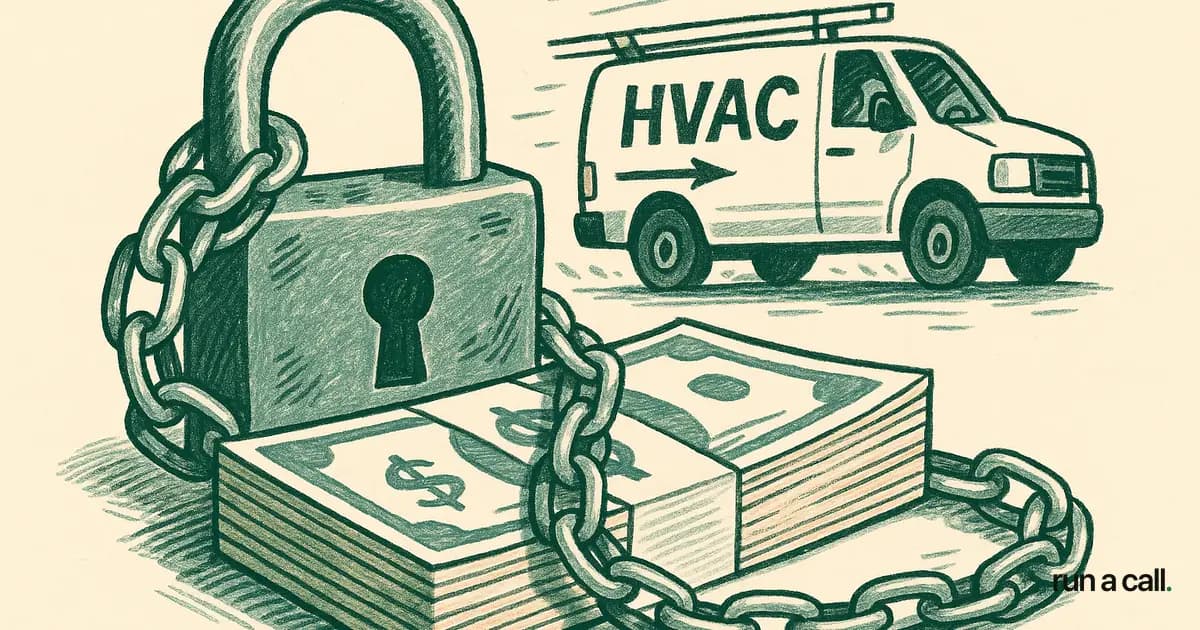
$46,170. That's the early termination fee one HVAC shop paid to walk away from ServiceTitan, on the public record in BBB filings. Another paid $40,000. Another $39,375. Another $24,000. None of them got it back. If you're reading this, you've already decided ServiceTitan isn't working. The question isn't whether to leave — it's how to leave without writing a check that big, how to get your data out clean, and how to not break dispatch on day one of the new system. This is the operator playbook, written from the engineering side of migrations I've actually run.
Why shops leave ServiceTitan
Shops leave ServiceTitan for three reasons, in this order: cost, reliability, and fit. The reviews back it up — a 1/5 BBB rating across 32 reviews and 27 complaints, and a 2.6/5 Google Play rating across 960+ reviews for the technician app.
Cost is the loudest complaint. ServiceTitan typically prices at $245-500 per technician per month, plus a one-time setup fee in the $5,000-$50,000 range, on a 12-24 month contract. A 12-tech shop is looking at $35K-$72K/year before implementation labor. That math works for a 60-tech operation with a full-time admin team. It does not work for a five-truck residential shop in a secondary market.
Reliability is the second wave. IsDown has tracked 110 ServiceTitan incidents since January 2023 — that's roughly 2.9 outages per month, with an average resolution time of 188 minutes. Three hours. If your dispatch board goes dark at 9 AM on a 102-degree Tuesday, you're not running a service company that day. You're running a phone tree with a clipboard.
Fit is the quietest reason but the most common. ServiceTitan was built for shops that have a dedicated dispatcher, a dedicated CSR team, an office manager who knows SQL, and 50+ technicians to spread the overhead across. If your dispatcher is also your wife, also your accounts receivable, also the person who fields warranty calls — ServiceTitan's complexity is working against you, not for you.
None of this is news to anyone who's been on it more than a year. The question is what you do about it.
Step 1: Read your ServiceTitan contract before you tell anyone
The first move when leaving ServiceTitan is reading your signed order form — not the master agreement, the order form. That's the document that defines your term length, your start date, your renewal clause, and your ETF.
Four numbers matter:
Term length — usually 12, 24, or 36 months
Start date — and whether the term started at signature or at go-live
Renewal language — most ServiceTitan contracts auto-renew for 12 months unless you give 60-90 days written notice
Per-tech pricing — multiply by months remaining for your worst-case ETF
The ETF math is brutal because it's 100%, not prorated. If you signed a 24-month deal at $4,500/month and you're in month 8, you owe 16 × $4,500 = $72,000 to walk. That's why the documented BBB filings show shops paying $24,000, $39,375, $40,000, and $46,170 — those numbers are what's left on the contract on the day they gave up.
Do not call your ServiceTitan account manager yet. Do not mention leaving in any email. Do not log a support ticket that says you're evaluating alternatives. Anything you put in writing before you have a strategy becomes part of their negotiating position.
What you want before the first conversation: a printed copy of the order form, a tally of every outage and SLA failure you've experienced (dates, ticket numbers, duration), a list of features promised in the sales cycle that didn't ship, and a written quote from at least one alternative vendor with implementation timeline.
Step 2: How to cancel ServiceTitan — your three real options
There are three ways to cancel ServiceTitan, and only three. Pick based on where you are in the contract.
Option A: Wait out the term and don't renew. This is the cleanest path if you're inside 90 days of contract end. Send written non-renewal notice via the method specified in your contract (usually email to a specific address plus certified mail). Confirm receipt. Migrate during the wind-down. You pay zero ETF.
Option B: Negotiate a buyout. This is what most mid-contract shops end up doing. ServiceTitan's published position is 100% ETF, but their actual settlement behavior varies. The lever you have is the cost of collection — they'd rather take 50-70 cents on the dollar today than chase you through small claims for the full amount. Bring documented breach evidence to the table: outage logs, missed SLAs, sales misrepresentation, billing errors. A shop with a clean paper trail of 188-minute average resolution outages and a logged 2.9-outages-per-month pattern has real leverage.
Option C: Claim breach and refuse to pay. This is the nuclear option and you need a lawyer before you do it. ServiceTitan's contract is one-sided — it gives them termination rights, not you — but contracts can still be voided for material breach, fraud in the inducement, or failure of essential purpose. The shops I've seen succeed here had three things: extended outages affecting their ability to operate, written sales promises that were never delivered, and a willingness to litigate. Most shops don't have the appetite. If you do, get a software licensing attorney, not your real estate guy.
Whichever option you pick, do it in writing, keep every email, and do not let them put you on a 'retention call' with no agenda. Retention calls exist to talk you out of leaving. You are leaving.
Step 3: Export your data before you give notice
Export your ServiceTitan data while your account is active and unrestricted — not after you've given notice, and definitely not after the cancellation date. This is the single biggest mistake shops make on the way out.
What exports cleanly via ServiceTitan's reporting module to CSV:
Customer master list (name, address, phone, email, tags)
Equipment records (make, model, serial, install date, warranty)
Job history (date, tech, invoice, status, notes — though long notes truncate)
Invoices and payment history
Membership / maintenance agreement records
Pricebook items (SKU, description, price, category)
Estimates and proposals
What does not export cleanly:
Custom forms and form responses (often locked in proprietary format)
Photo and document attachments tied to specific jobs (downloadable one-by-one, not in bulk)
Call recordings (if you're using their phone integration)
Dispatch board configuration, business unit hierarchies, technician skills/zones
Recurring billing schedules — you'll need to rebuild these from membership records
Do your export in batches by date range, not all at once. Validate row counts against the system totals. Open the CSVs in a real text editor, not Excel — Excel will silently mangle long phone numbers, leading zeros, and special characters in customer notes.
One practical tip: export twice. Once now, before you've given notice. Once again 7 days before your final billing date, to capture any jobs closed in the interim. The second export is the one your new system actually loads. The first export is your insurance policy if access gets cut early.
Step 4: The parallel-run migration pattern
The right way to migrate off ServiceTitan is parallel-run, not big-bang. Big-bang migrations break dispatch on day one. I've watched it happen. Don't do it.
Parallel-run means both systems are live for a defined window, with a subset of your crew running on the new one while the bulk stays on the old. Here's the timeline I recommend for a 5-25 tech shop:
Weeks 1-2: Data cleanup and import. Export from ServiceTitan, clean the CSVs (deduplicate customers, fix address formats, retag membership types), and import into the new system. This is the boring work that determines whether month two is calm or chaotic.
Weeks 3-4: Pilot crew. Pick one or two technicians — ideally your best one and your most skeptical one. Run them entirely on the new system. ServiceTitan stays live for everyone else. The pilot crew is finding bugs, identifying missing data, and giving you an honest read on the mobile app before you commit the rest of the team.
Weeks 5-6: Full crew cut-over. Move dispatch to the new system. Keep ServiceTitan in read-only mode for historical lookups. Don't try to migrate in-flight jobs — let any open ServiceTitan jobs close out in ServiceTitan, and start new jobs in the new system from the cut-over date forward.
Weeks 7-10: ServiceTitan wind-down. Reconcile AR. Close out final invoices. Run one full billing cycle on the new system (including any monthly memberships) before you cancel ServiceTitan access. Then — and only then — submit your written cancellation per the contract.
The biggest mistake shops make is canceling ServiceTitan the day they sign with a new vendor. You will need ServiceTitan access to look up old jobs, recover photos, and answer customer questions for at least a month after cut-over. Pay for the extra month. It's cheaper than the chaos.
Step 5: What to look for in a ServiceTitan replacement
The replacement criteria for a 5-25 tech shop are different from what ServiceTitan optimizes for. You're not buying enterprise — you're buying something you can run without a dedicated admin.
Four things to evaluate in any alternative:
Pricing model. Per-tech pricing punishes growth. A flat-rate model means hiring tech #15 doesn't trigger a contract renegotiation. Look at total annual cost at your current headcount and at +5 techs. ServiceTitan reviews on Capterra and G2 are full of shops surprised by renewal increases — read your contract's price-escalation clause carefully on whatever you sign next.
Contract terms. Month-to-month or annual with no ETF. If a vendor needs to lock you in for 24 months with a 100% ETF, ask why their product can't earn the renewal. The whole reason you're reading this article is that ServiceTitan's answer to that question wasn't good enough.
Data portability. Can you export everything to CSV at any time, with no fee and no support ticket? If the answer is anything other than 'yes, here's the export button,' you're signing up for the same trap. Run a Call exports CSVs the same way it imports them — same format in, same format out.
Dispatch and reliability. Ask for the uptime number, not the uptime promise. Ask whether they publish incidents on a public status page. Ask what their dispatch board does when one tech runs 90 minutes late — does it suggest a reassignment, and can you see why it suggested that tech? Run a Call ships explainable AI dispatch with thumbs feedback so dispatchers can correct the model. That's a different posture than a black-box recommendation.
For a side-by-side, walk through Run a Call and put the numbers next to your current ServiceTitan invoice. The math usually decides for you.
Is ServiceTitan worth it? The honest answer for small shops
Is ServiceTitan worth it? For 50+ tech operations with a full back-office, sometimes yes. For 5-25 tech residential shops, almost never.
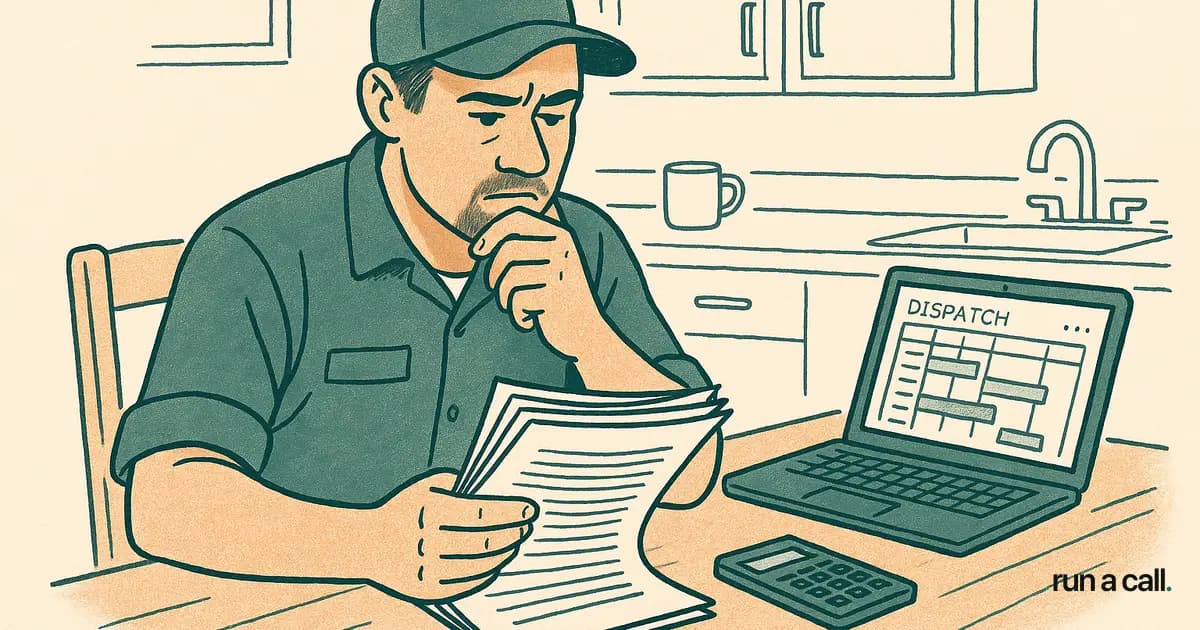
Here's the test I'd run if I owned a 12-truck shop tomorrow. Add up your last 12 months of ServiceTitan invoices. Add the hours your office team spends on workarounds, the revenue lost during outages (2.9/month × 188 minutes per IsDown = roughly 9 hours/month of degraded operation), and the implementation labor you've sunk. Divide by closed tickets. That's your real cost-per-job for the software.
Now run the same math on a flat monthly rate per shop with no per-tech pricing and no ETF. The delta is usually $30K-$60K/year for a shop in this size band. That's a tech's truck. That's a marketing budget. That's the down payment on the next service van.
The ServiceTitan reviews on BBB and Google Play aren't outliers from angry users. They're a consistent signal from operators who tried to make a 50-tech tool work in a 10-tech shop. The product is fine. The fit is wrong.
You already knew that — that's why you searched 'how to leave ServiceTitan.' The playbook is: read the contract, document the breach evidence, export your data, run parallel for a month, then cancel in writing. Do it in that order and you'll walk out with your data, your dispatch, and most of your money.
Frequently asked
How much is the ServiceTitan early termination fee?
ServiceTitan contracts are typically 12-24 months with a 100% ETF — if you cancel month 6 of a 24-month deal, you owe the remaining 18 months. Documented BBB filings show shops paying $24,000, $39,375, $40,000, and $46,170 to walk. Pull your signed order form and multiply months remaining × monthly subscription before you do anything else.
Can I cancel ServiceTitan early without paying the ETF?
Rarely, and only with a documented breach. The contract gives ServiceTitan unilateral cancel rights, not you. Your strongest pressure points are sustained outages (cite IsDown's 188-minute average resolution and 2.9 outages/month), failure to deliver promised pricebook setup inside the SOW window, or billing errors. Send a written breach notice with timestamps and ticket numbers. A 30-50% reduction is more realistic than $0.
How long does it take to migrate off ServiceTitan?
Plan 6-10 weeks for a clean cut-over: 2 weeks of CSV export and data cleanup, 2-4 weeks of parallel running with one or two techs on the new system, then a hard switch with the rest of the crew. Don't cancel ServiceTitan until your new system has run a full billing cycle including memberships and recurring maintenance.
Is ServiceTitan worth it for a shop with 5-25 technicians?
For most shops in that band, no. ServiceTitan is built for 50+ tech operations with full-time dispatchers and dedicated admin. At $245-500 per tech per month plus a $5K-$50K setup fee, a 12-tech shop pays $35K-$72K/year before implementation. The 2.6/5 Google Play rating and 1/5 BBB rating reflect that the day-to-day pain doesn't scale down to smaller shops.
What data can I export from ServiceTitan before I leave?
Customers, equipment, job history, invoices, memberships, and pricebook items all export to CSV through the reporting module. What does not export cleanly: custom forms, photo attachments tied to jobs, recorded call audio, and dispatch board configuration. Pull every report you can while your account is still active — once the contract ends, so does access.
Ready to switch HVAC software?
Walk through the dispatch board, pricebook, and mobile app in 30 minutes. No commitment.

Co-founder of run a call. Owns engineering. €6M of operational systems at Airbus, then an AI workflow-automation firm acquired by Transputec, now Head of Enterprise Automation there.
Read full bio →