ServiceTitan Contract Review: What You're Actually Signing.

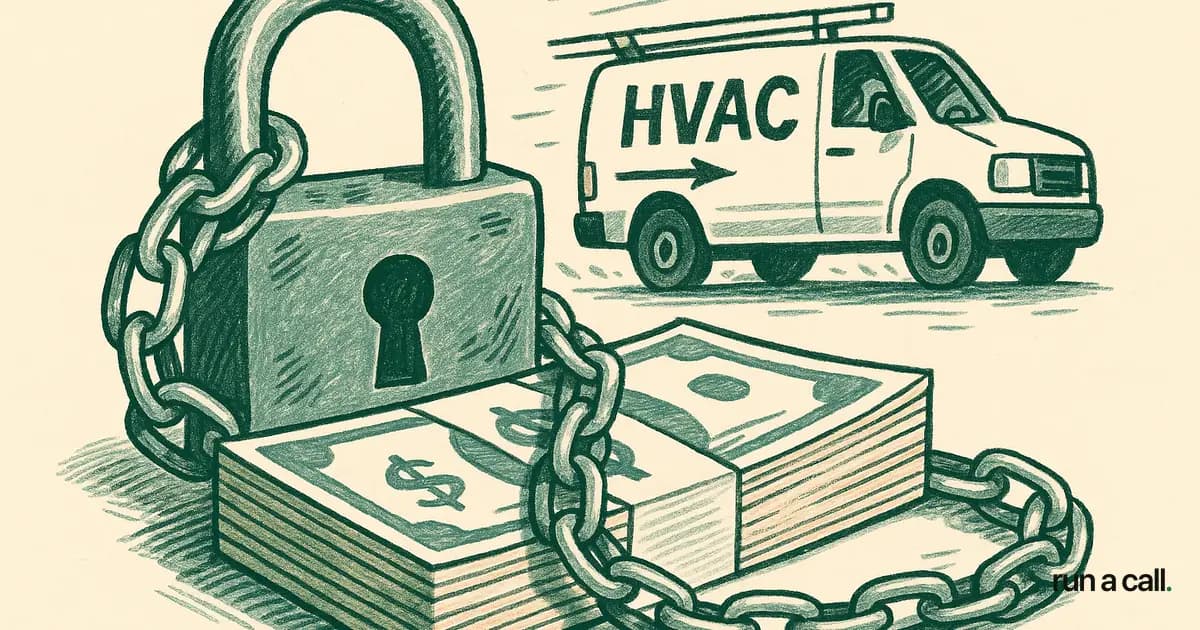
A shop owner called me last spring, three weeks before his ServiceTitan renewal date. He'd been on the software two years, hated the complexity, and wanted out — until he actually read his contract and found a $46,000 early termination fee waiting for him. He didn't know it was there. He signed the original agreement during a sales call, skimmed the highlights, and assumed cancellation meant cancellation. That assumption cost him another 12 months locked in. ServiceTitan's contracts are written to protect ServiceTitan. The annual agreements, auto-renewal clauses, ETF schedules, and data-export terms are buried in dense legalese that most HVAC owners never read before signing — and deeply regret not reading before trying to leave.
What ServiceTitan's Contract Actually Contains
ServiceTitan sells annual agreements, typically 1-3 years, with automatic renewal clauses built in. The default renewal period matches your original term — so if you signed a two-year deal, missing the cancellation window locks you into another two years.
The cancellation notice window is usually 30 days before the renewal date. That sounds straightforward until you realize ServiceTitan's renewal reminder emails are easy to miss in a busy inbox — and the contract language doesn't require them to chase you down. Miss the window, and you're in for another full term.
Setup fees run $5,000–$50,000 depending on the tier and what implementation services you accepted (source). Those are sunk costs from day one. The ETF is what comes for you on the back end if you try to leave early.

ServiceTitan ETF: What the Early Termination Fee Actually Costs
The ETF figures that come up most in publicly documented owner complaints are $39,000, $40,000, and $46,000 — depending on contract length and tier (BBB complaints). These aren't hypothetical worst-case numbers. They're what owners report paying or being threatened with when they tried to cancel early.
The ETF is typically calculated as the remaining monthly fees for the balance of your contract term. On a $3,800/mo plan with 12 months left, that's $45,600 owed the day you give notice. ServiceTitan has sent these invoices to collections — multiple BBB complaints document this directly.
The practical implication: if you're thinking about leaving, you need to map your contract end date first. Leaving on the right day costs you nothing extra. Leaving on the wrong day costs you tens of thousands. Our deeper breakdown of exactly how this math works lives in the ServiceTitan ETF guide.
Auto-Renewal Clauses: The Clause That Catches Most Owners
The auto-renewal clause is the single most dangerous part of the ServiceTitan agreement for owners who are on the fence about staying. It's not hidden — it's in the contract — but most owners don't track their renewal date the way they track their equipment warranties or vendor payment terms.
Here's what typically happens: an owner decides around month 18 of a 24-month deal that they want to explore other software. They start evaluating options, talk to a few vendors, run some demos. By the time they're ready to make a move, they've missed the 30-day notice window and are now locked in for another 24 months. I've talked to four owners in the last year alone who went through exactly this sequence.
The fix is simple but you have to do it now: pull your contract, find the renewal date, subtract 35 days (not 30 — give yourself buffer), and put a hard reminder in your calendar. That's the only window you have. The full how to leave ServiceTitan guide walks through every step of the exit sequence, including notice letter language.
Data Export: What Happens to Your Customer Records
ServiceTitan does allow data export, but the format and timeline are on their terms. Customer records, job history, pricebook data, and payment history are exportable — in CSV format, typically — but the completeness and usability of that export varies by what features you were using.
The critical issue is timing. If you give cancellation notice and then request your data, you're doing both at the same time while your access to the system is winding down. Owners who've gone through this process recommend requesting a full data export 60–90 days before your planned exit, while you still have full system access and can verify the completeness of what you're pulling.
Photo documentation — job-site photos, equipment photos, before/afters — is the piece most owners forget about until it's too late. These files can be large and aren't always included in standard CSV exports. Confirm explicitly with your ServiceTitan account rep what's included and in what format before you give notice.
How to Review Your ServiceTitan Contract Before Renewing
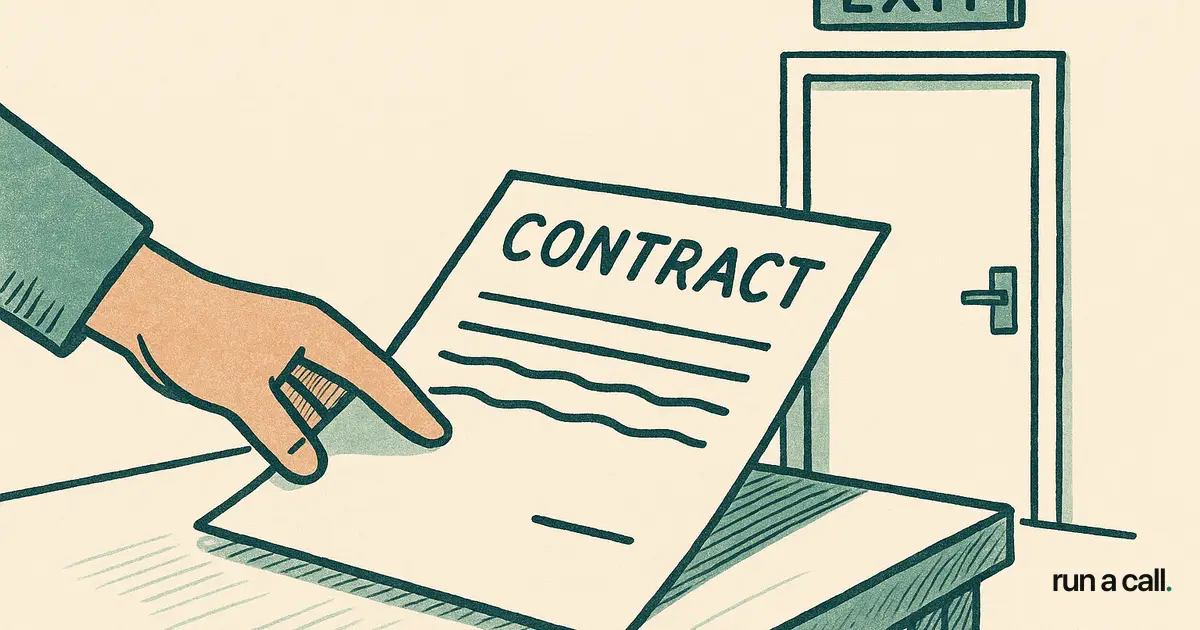
Pull the original Master Subscription Agreement you signed — it should be in your email from the onboarding period, or your ServiceTitan account manager can send it. Read sections on: term length, auto-renewal, notice requirements, ETF calculation, and data ownership. Those five sections are where the risk lives.
If the language is dense or you're unsure what you're reading, a one-hour consult with a business attorney familiar with SaaS contracts runs $200–$400 and is worth every dollar if your ETF exposure is $40K. Don't pay a lawyer to read the whole contract — just the five sections above.
Compare what you're paying today against what you actually use. ServiceTitan's pricing runs $245–$500 per tech per month (Capterra), which for a 10-tech shop is $2,450–$5,000/mo. If you're using 40% of the features and paying for all of them, that's the business case for the switch conversation — not just the frustration.
If after reading the contract you decide to stay, at least you made an informed choice. If you decide to leave, you now know the exact window, the exact cost, and the exact data steps to execute a clean exit. Either way, you're running your business instead of your contract running you.
Is ServiceTitan Worth It for a 5-25 Tech HVAC Shop?
For most residential HVAC shops in the 5–25 tech range, the honest answer is no — not at current pricing and contract terms. The features that justify ServiceTitan's cost (multi-location management, deep reporting suites, enterprise integrations) are features a 12-tech residential shop doesn't need and often never configures. The 42% pricebook setup failure rate documented in user reviews is a direct result of this: the software is built for complexity that most residential shops don't have.
The 6–12 month onboarding timeline (Capterra) is the other tell. A software product that takes a year to get running is not built for an owner-operator who needs dispatch, invoicing, and a working pricebook this month — not next fiscal year.
If you're in that 5–25 tech window and you're questioning whether you're getting $3,000–$5,000/mo in value, the answer is probably written in your close rate, your average ticket, and how many callbacks your dispatcher is fielding because the job information was wrong. Those numbers don't lie. You can walk through Run a Calland compare what one flat monthly price per shop actually covers against what you're paying today.
Frequently asked
What is ServiceTitan's early termination fee?
ServiceTitan's ETF is typically the remaining monthly fees for the balance of your contract term. Publicly documented cases from BBB complaints show ETFs of $39,000, $40,000, and $46,000 depending on the plan tier and how much time was left on the contract. The fee is usually invoiced immediately upon early cancellation notice.
How do I cancel ServiceTitan without triggering the ETF?
You need to give written cancellation notice before the auto-renewal window closes — typically 30 days before your renewal date. Missing that window by even one day restarts your contract for another full term. Put a calendar reminder 35 days before your renewal date, then send written notice via email and confirm receipt. The full cancellation process is covered in our [how to leave ServiceTitan](/learn/articles/how-to-leave-servicetitan) guide.
Can I get my customer data out of ServiceTitan?
Yes, ServiceTitan allows data export in CSV format, but the completeness varies based on which features you used. Request your data export 60–90 days before your planned exit date while you still have full system access. Confirm explicitly with your account rep what's included — job-site photos and custom field data are commonly missed in standard exports.
Does ServiceTitan auto-renew contracts?
Yes. ServiceTitan contracts include automatic renewal clauses. The default renewal matches your original term length — a two-year contract auto-renews for another two years if you don't submit written notice within the cancellation window (typically 30 days before renewal). Always track your renewal date and set a reminder well in advance.
What should I look for when reviewing a ServiceTitan contract?
Focus on five sections: term length, auto-renewal clause and notice requirements, ETF calculation method, data ownership and export rights, and any clauses about fee increases. If you're unsure about the legal language, a one-hour consult with a business attorney familiar with SaaS contracts is money well spent given the ETF exposure.
Ready to switch HVAC software?
Walk through the dispatch board, pricebook, and mobile app in 30 minutes. No commitment.

Co-founder of run a call. Owns product and operations. AI Strategist; built and sold an AI process-automation firm; before that ran transformation programs at HP.
Read full bio →