HVAC Dispatch Board: How to Run One That Actually Works.
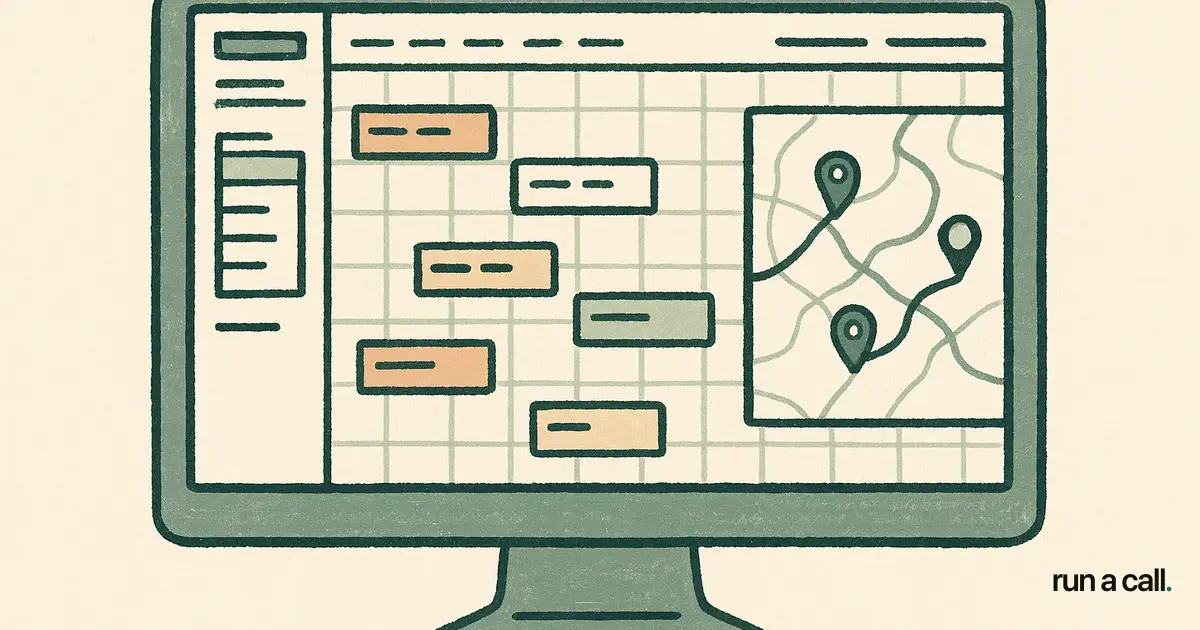
At 7:58 a.m. on a 97-degree Tuesday, your dispatch board is either your command center or your chaos engine — there is no middle ground. My dad ran a residential HVAC shop and I watched him manage his board on a whiteboard with magnetic name tags. It worked until it didn't: one missed callback on a warranty call cost him a $4,800 change-out because a competitor got there first. A well-run HVAC dispatch board is not a software feature. It is a daily operating ritual that determines your close rate, your average ticket, your callback rate, and whether your best tech shows up to the right job or gets buried hauling a parts run across town.
What a Dispatch Board Actually Is (and What It Has to Show)
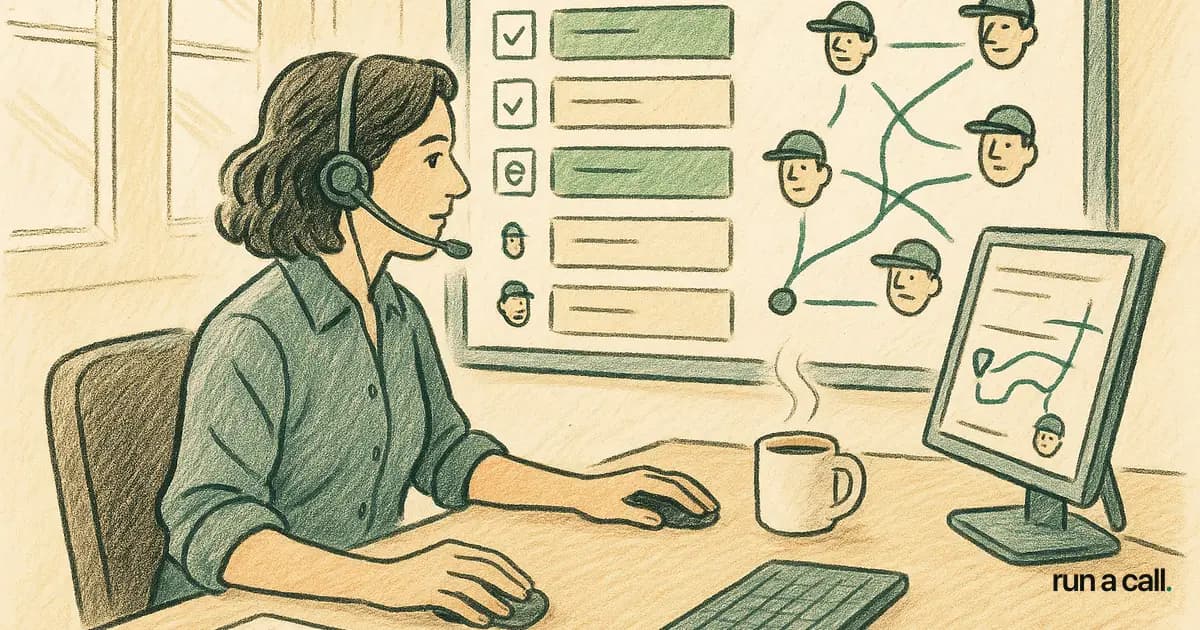
An HVAC dispatch board is a live visual grid — digital or physical — that maps every open job to a specific technician, time slot, and status. The best ones show drive time, job type, required skill level, and parts availability at a glance.
The minimum viable board for a 5-tech shop shows: tech name, job address, job type (maintenance, service call, change-out, callback), estimated duration, and current status (en route, on-site, complete). Anything less and your dispatcher is working from memory, which means errors compound by noon.
A 15-25 tech shop needs more: zone grouping to reduce drive time, a skill-match indicator so the comfort advisor isn't running a $99 tune-up, and a flag for customer-favorite tech so the returning customer who specifically requested "the guy who fixed it last time" actually gets him. That last one sounds soft — it isn't. Repeat customers with a preferred tech close on accessories at a measurably higher rate than cold-assigned jobs.
For a deeper look at the full software category — what features matter, what's marketing noise, and how to evaluate vendors — the hvac dispatch software guide breaks it down by shop size.
How to Dispatch HVAC Techs Without Burning Their Day
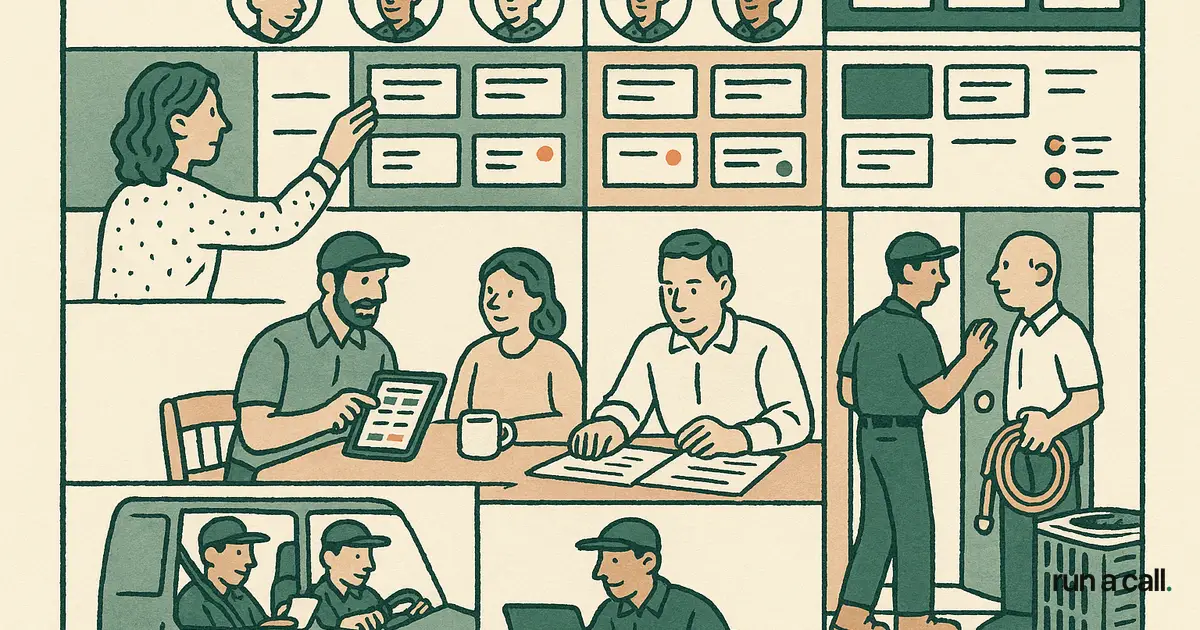
The single biggest time-waster in HVAC dispatch is the parts run. A tech who drives 25 minutes to a job, discovers a capacitor that isn't on the truck, and then drives back to the supply house has just eaten 90 minutes of billable time for a 15-minute repair. Good dispatching prevents that before the truck rolls.
Before you assign a job, your dispatcher should answer three questions: Does this tech have the parts likely needed for this job type? Is this tech's skill level matched to the system age and complexity? Is this job geographically efficient given their prior stop? These are not complicated questions, but without a board that surfaces the answers, a dispatcher answers them by gut — and gut degrades by 2 p.m. on a busy day.
Customer-favorite tech dispatch is worth building into your ritual even before your software supports it automatically. A simple tag in the job notes — "Customer requests Marcus" — and a board convention that keeps those jobs visually distinct is enough to start. When a customer books with a preferred tech, cancellation rates drop and first-call resolution goes up because the tech already knows the system.
Zone-based dispatching cuts drive time in summer surge. Group your board by geographic zone first, then assign techs to zones rather than cherry-picking jobs. A tech who stays in the north zone all day runs 4-5 calls instead of 3. Over a 10-tech shop, that's 10-20 extra calls per day during peak season — real revenue, not a rounding error.
Drag-and-Drop Dispatch: What It Solves and What It Doesn't
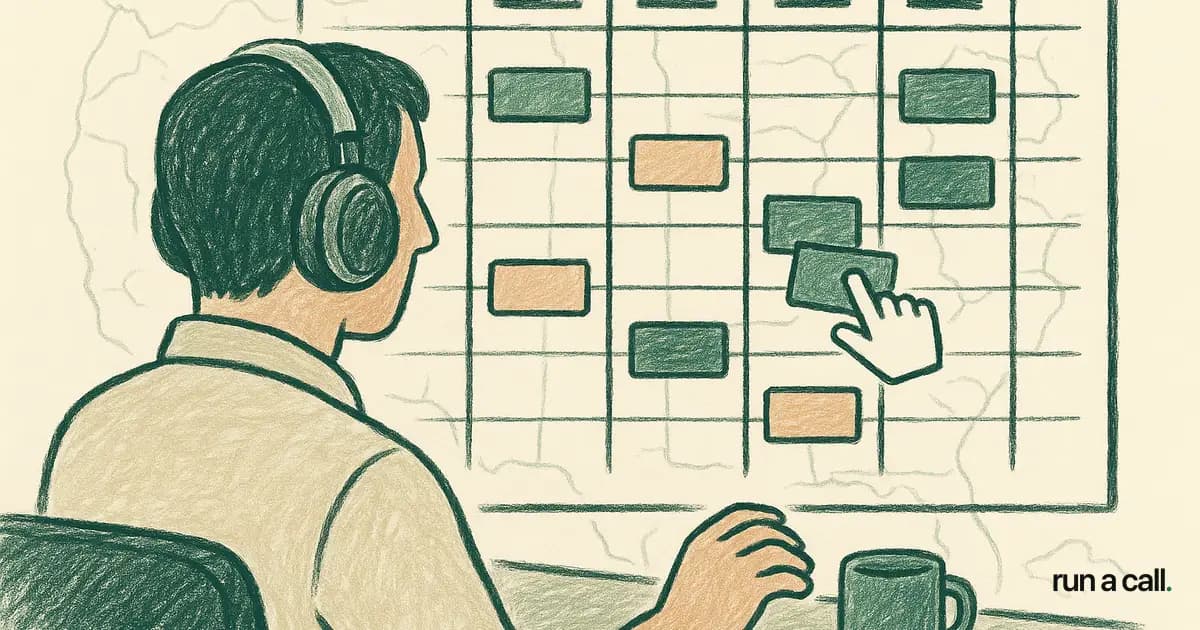
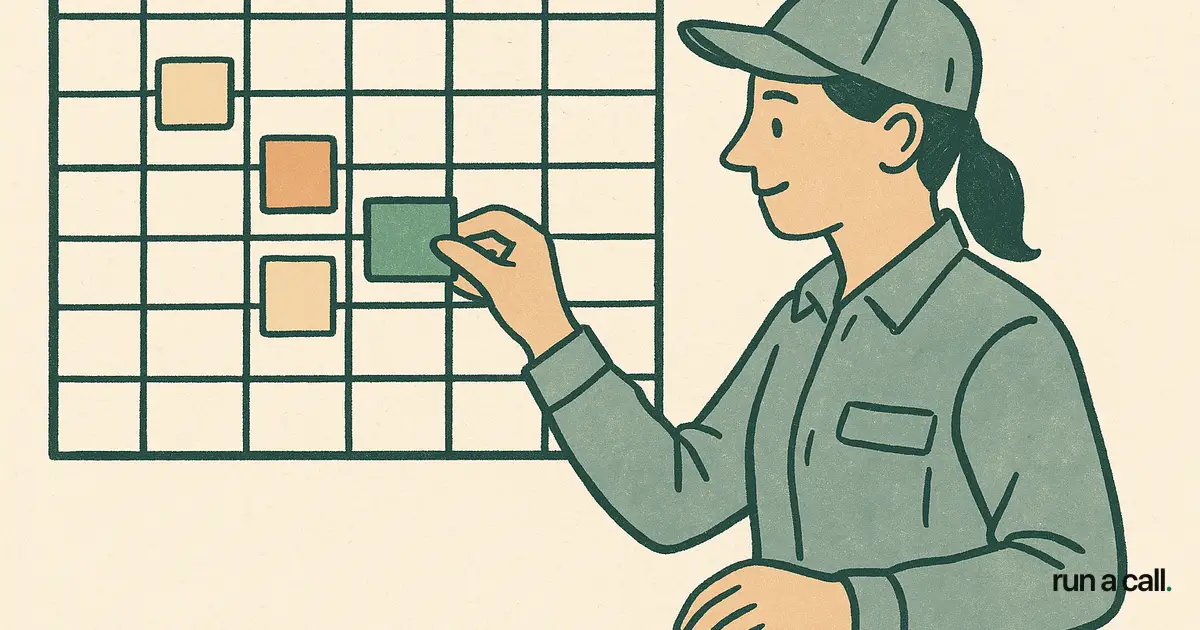
Drag-and-drop dispatch solves one specific problem: the friction of rescheduling. When a tech calls out sick at 6:45 a.m., your dispatcher needs to redistribute 6 jobs in under 10 minutes. A board that requires opening each job record, editing the assigned tech, saving, and refreshing turns that into a 45-minute fire drill. A drag-and-drop board makes it a 4-minute task.
What drag-and-drop does not solve: it does not tell your dispatcher which tech to drag the job to. That requires either human judgment or a system that surfaces a suggestion with a reason — not just a ranked list, but an explanation. "Tech available, closest to job, has R-410A on truck" is useful. A bare auto-sort with no rationale trains dispatchers to override blindly or follow blindly, and both are bad.
Run a Call ships explainable AI dispatch with thumbs feedback — the board suggests a tech and shows why, and your dispatcher confirms or overrides with one tap. The feedback loop trains the system toward your preferences over time without requiring you to configure a rules engine from scratch.
The tools vary significantly here. Housecall Pro has drag-and-drop but limited skill-match logic. FieldEdge gives you a board with good history visibility. Service Fusion handles multi-location boards reasonably well. The evaluation question is not "does it have drag-and-drop" — every modern tool does. The question is what happens after the drag.
HVAC Dispatch Best Practices: The Morning Ritual That Sets the Day
The dispatch board ritual starts the night before, not the morning of. Your last admin task each day should be pre-loading the next day's board: confirmed appointments assigned to techs, truck stock checked against job requirements, drive time estimated by zone. A dispatcher who arrives at 7 a.m. to an empty board and a full inbox is already behind.
The morning standup — even five minutes on a call or in the shop — is worth the time. Cover: who's running what zone, any callbacks from yesterday that need priority, any systems over 10 years old on the board that should get a comfort advisor assigned instead of a service tech. That last point is a revenue decision disguised as a dispatch decision. A 14-year-old system with a failed capacitor is a same-day change-out conversation, and that conversation goes better with the right tech.
Mid-day board review at noon catches the day before it runs away from you. Check: jobs that have gone silent (tech on-site longer than estimated — parts issue? upsell in progress? problem?), jobs that finished early (can you fill that slot with a same-day booking?), and callbacks that came in since morning. Dispatchers who skip the noon review tend to discover at 4 p.m. that two techs are running light and two calls went unassigned.
End-of-day close is a two-minute board audit: every job marked complete or rescheduled, no orphan jobs sitting in "en route" status, any customer-favorite tech requests for tomorrow flagged. This takes two minutes when the board is current and 45 minutes when it isn't.
Choosing HVAC Dispatch Software: What Actually Matters for a 5-25 Tech Shop
The dispatch board is only as good as the data feeding it, and that data comes from your job intake, your pricebook, and your tech profiles. Software that siloes those three things forces your dispatcher to manually bridge the gaps — which means errors, delays, and a board that's always slightly out of date.
For a 5-10 tech shop, the non-negotiables are: drag-and-drop board, customer history accessible from the job card, and mobile tech app that updates status in real time. Everything else is a nice-to-have. Complexity beyond that at this stage slows you down more than it helps.
For a 10-25 tech shop, add: zone grouping, skill-match filtering, customer-favorite tech routing, and dispatch suggestions with reasoning. At this size, a dispatcher handling 20+ jobs a day cannot rely on memory — the board has to do the cognitive work of surfacing conflicts and opportunities.
Onboarding speed matters more than most owners factor in. ServiceTitan's onboarding runs 6-12 months by most operator accounts — that is half a year running on a broken-in board and workarounds while you pay full price. If you're evaluating options, look at tools built specifically for residential shops at your size. Run a Call, for example, is built for 5-25 tech residential HVAC shops, ships at one flat monthly price per shop with no per-tech fees, and is designed to go live in days. You can walk through Run a Call to see the board and judge for yourself.
If you're currently on ServiceTitan and the dispatch experience is the breaking point, the ServiceTitan alternative for HVAC guide covers what the exit actually looks like — ETF math, data export, and what to stand up first.
Frequently asked
What should an HVAC dispatch board show at minimum?
At minimum, a dispatch board should show each technician's name, assigned job address, job type, estimated duration, and current status (en route, on-site, complete). For shops with 10 or more techs, add zone grouping, skill-match indicators, and customer-favorite tech flags. Anything less than the minimum forces your dispatcher to work from memory, which breaks down under load.
How does customer-favorite tech dispatch reduce callbacks?
When a returning customer gets the same technician who serviced their system before, that tech already knows the equipment history, prior repairs, and the customer's decision-making style. That familiarity shortens diagnostic time, improves first-call resolution, and makes accessory and IAQ close rates measurably higher than cold-assigned jobs. It also reduces the chance of a callback caused by a missed detail the previous tech would have caught.
Is drag-and-drop dispatch enough on its own?
Drag-and-drop solves the friction of moving jobs around — especially during callouts and emergency rescheduling. But it does not tell your dispatcher *where* to drag a job. The more useful feature is a dispatch suggestion that shows a reason: tech availability, proximity, truck stock, and skill match. Without that reasoning layer, drag-and-drop is just a faster way to make the same uninformed decision.
What's the best dispatch board setup for a shop transitioning from 5 to 15 techs?
At 5 techs, one dispatcher can hold the whole board in their head. At 15, that breaks. The transition point is where you need zone grouping, skill-match filtering, and automated status updates from tech mobile apps — otherwise your dispatcher spends half the day calling techs for status updates instead of booking calls. Get those three things in place before you hit 10 techs, not after.
How long does it take to get a digital dispatch board running?
It depends entirely on the software. ServiceTitan onboarding runs 6-12 months by most operator accounts, during which your board is a partial workaround. Tools built specifically for residential 5-25 tech shops — like Run a Call — are designed to go live in days, not months. The difference is onboarding architecture: a tool that requires a full data migration and custom configuration before you can dispatch a single job is not designed for your shop size.
Ready to switch HVAC software?
Walk through the dispatch board, pricebook, and mobile app in 30 minutes. No commitment.

Co-founder of run a call. Owns product and operations. AI Strategist; built and sold an AI process-automation firm; before that ran transformation programs at HP.
Read full bio →