Drag and Drop Dispatch HVAC: Run a Tighter Board.
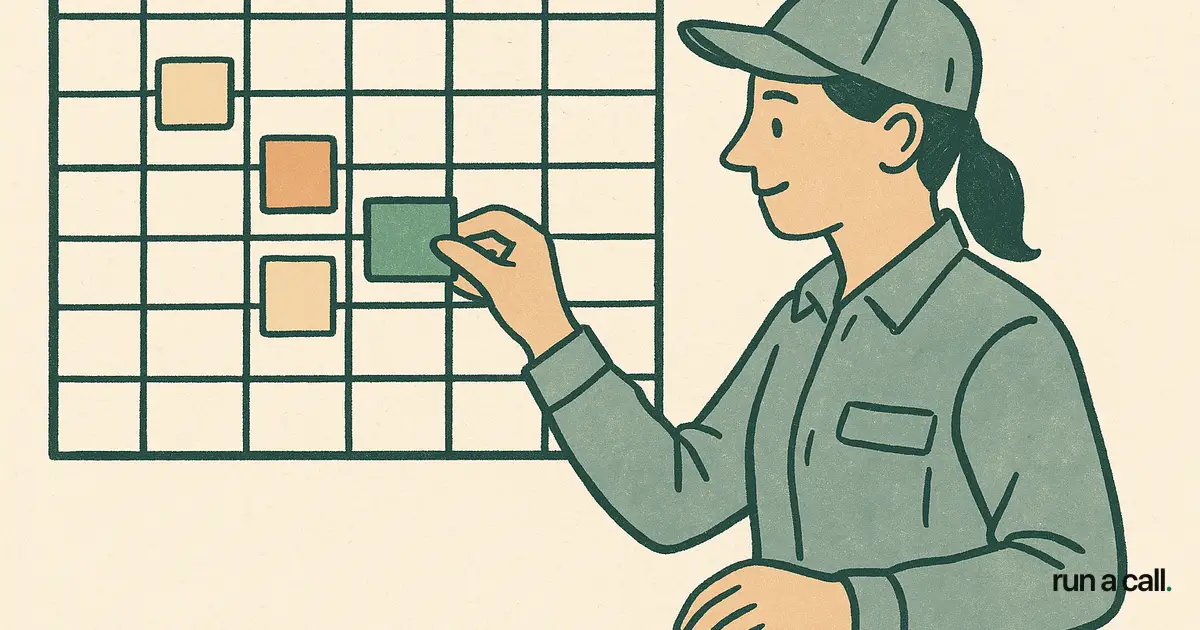
My dad's dispatcher ran the board with a whiteboard and three different colored dry-erase markers. Red was emergency, blue was maintenance, green was change-out. It worked — until she called in sick, and nobody else could read her system. That single point of failure cost the shop two no-shows and a lost change-out in one day. Drag and drop dispatch software exists to make that institutional knowledge visible to everyone in the office, not just the person who built it. In 2026, residential HVAC shops with 5–25 techs are the sweet spot where drag and drop dispatch actually pays off. You're big enough that a whiteboard breaks down, but small enough that you don't need a $500-per-tech enterprise scheduling suite. The right dispatch board cuts your morning setup from 45 minutes to under 10, surfaces your customer-favorite techs automatically, and lets one dispatcher rearrange four hours of emergency calls in the time it takes to drink a cup of coffee.
What Drag and Drop Dispatch Actually Does for an HVAC Shop
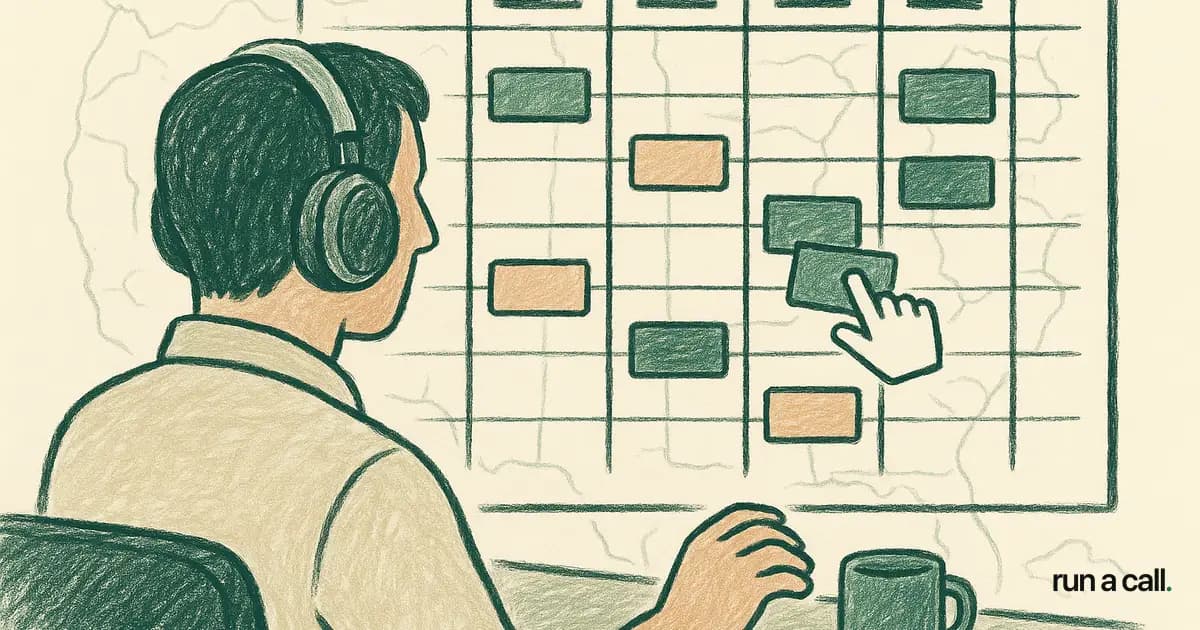
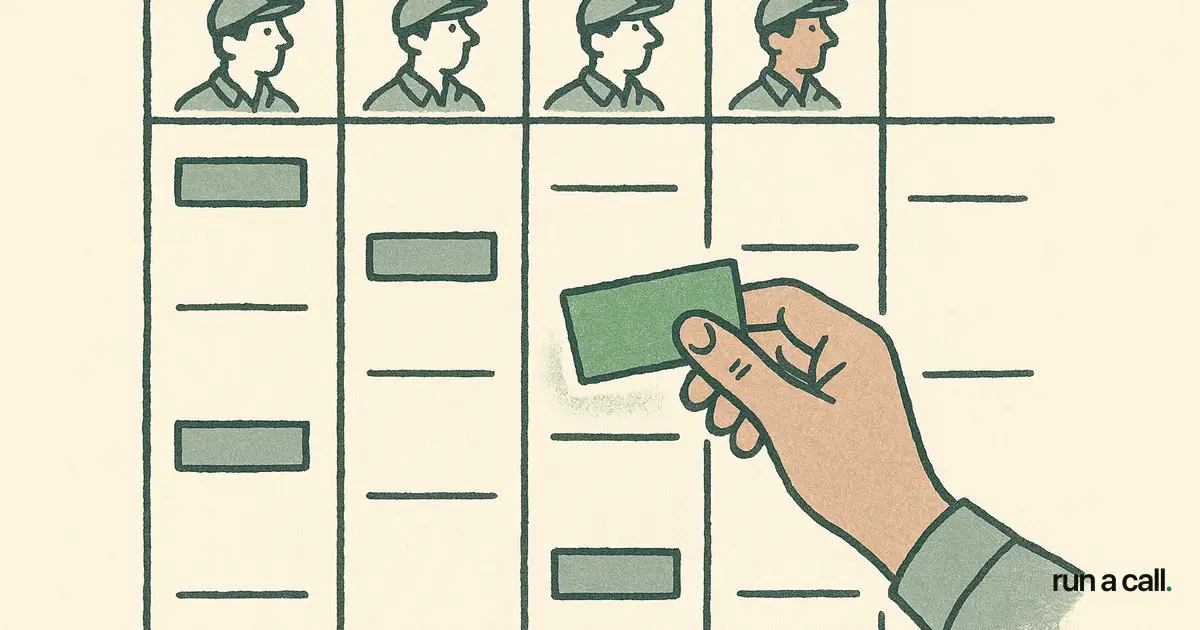
Drag and drop dispatch lets a dispatcher move a job card from one technician's column to another — or from one time slot to another — with a single mouse gesture, and every downstream notification (tech, customer, office) fires automatically.
That sounds simple. The payoff is real because HVAC days never go as planned. A tech finds a cracked heat exchanger that turns a $129 tune-up into a two-hour safety conversation. A compressor swap runs long. A truck won't start. Each of those events cascades into three or four rescheduled jobs. On a whiteboard or a static calendar, each reschedule is a phone call, an erasure, and a re-draw. On a drag and drop board, it's one gesture.
For a shop running 30–60 calls a day, the math adds up fast. If each reschedule takes your dispatcher four minutes on a manual system versus 30 seconds on a drag board, and you average eight reschedules a day, that's 28 minutes of dispatcher time recovered — every single day. Over a six-day week that's nearly three hours. Three hours your dispatcher can spend booking new work instead of juggling existing work.
For more context on what to look for across the full category, see our hvac dispatch software evaluation guide.
How to Set Up a Dispatch Board That Works Before You Drag Anything
The drag and drop interaction is the last 10% of a good dispatch board. The other 90% is the structure underneath it: zones, skill flags, truck stock, and customer-tech history.
Define your zones first. Group your service area into 3–5 geographic zones. Label them on the board. A tech already in the north zone should get the north zone emergency — not a tech coming from across town. Without zones baked into the board, drag and drop just moves chaos around faster.
Set skill flags on every tech. Not everyone on your crew should be first call on a commercial RTU or a mini-split multi-zone. Flag your techs by certification level and equipment type. When a mini-split job hits the board, the dispatcher drags it onto a flagged tech — not whoever has white space.
Load truck stock into the system. If your techs are stocked differently (some carry capacitors and contactors, some carry full changeout kits), that determines which jobs can be assigned same-day versus which ones need a parts run. A board that shows truck stock saves the embarrassing call where a tech arrives and can't complete the job.
Import customer-tech history. This is the piece most shops overlook. If Mrs. Hernandez has asked for Mike three times in a row, that relationship is money. A change-out pitched at the kitchen table by a familiar face closes at a higher rate than the same pitch from a stranger. Your dispatch board should surface that preference automatically when the job hits the queue.
Customer Favorite Tech Dispatch: Why It Closes More Change-Outs
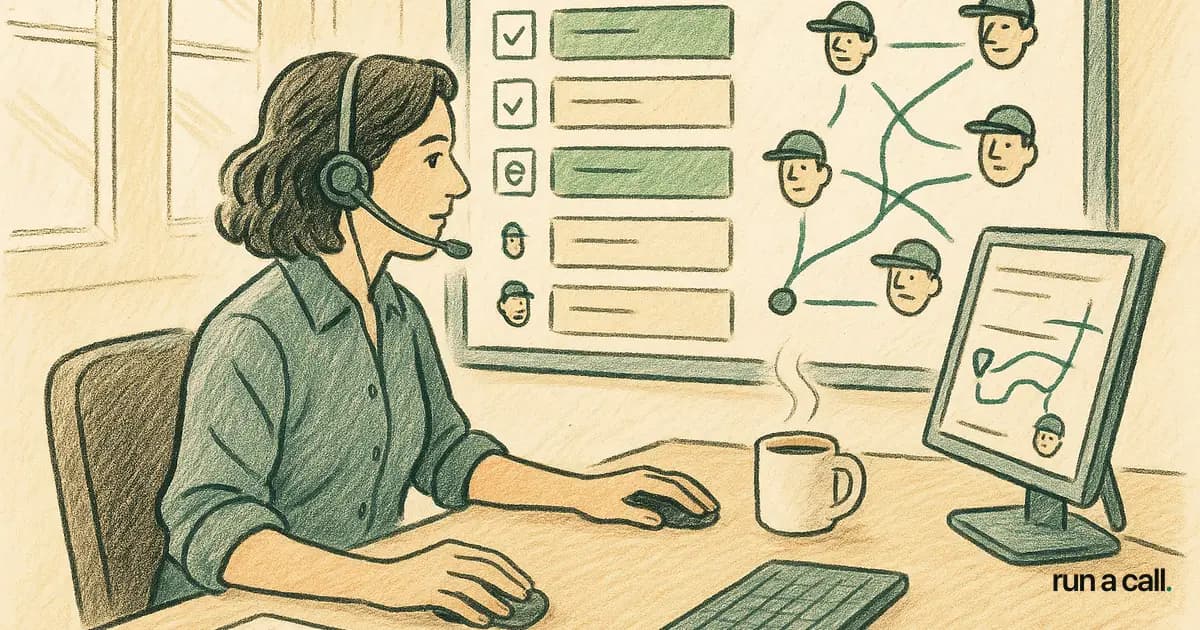
"Customer favorite tech" is a dispatch rule, not a feature. The rule is simple: when a repeat customer books, the system matches them to the last tech who served them — automatically surfacing that match on the drag board so the dispatcher sees it before assigning anyone.
The reason this matters is trust. My dad's best comfort advisor — a tech named Ray — closed change-outs at nearly double the shop average, and half of Ray's closings were repeat customers he'd seen before. The job was the same. The pitch was the same. The difference was that the homeowner already trusted him. He'd been in their attic. He knew their system. He knew the dog's name.
On the dispatch board, that means one thing: when Ray's previous customers call in, Ray gets the job if Ray is available. A good drag board flags that match visually before the dispatcher assigns anyone else. The dispatcher can override it — if Ray is already on a four-hour changeout — but they see the preference first.
Shops that formalize this rule report higher average tickets on repeat-customer visits and fewer callbacks, because the tech walks in already knowing the equipment history. It's the cheapest close-rate improvement in the business.
HVAC Dispatch Best Practices: What Separates High-Performing Boards
The best dispatch boards I've seen share four habits — none of them are technology, they're rituals.
The 7 AM board review. Before the first tech rolls, the dispatcher loads the day, checks for travel conflicts, and pre-assigns the top-priority calls. Takes 10 minutes on a clean drag board. On a whiteboard it takes 40. This ritual catches the problems before they become customer calls.
The mid-day reset. Around noon, the dispatcher does a five-minute board scrub: who's running long, who has white space, where are the emergencies stacking. A drag board makes this a glance-and-adjust. Without it, the afternoon falls apart by 2 PM and techs are driving past each other.
Flagging GBB (Good, Better, Best) options before dispatch. If a tech is heading to a system that's 12 years old and has a history of capacitor replacements, the dispatcher notes it on the job card. The tech walks in prepared to present options, not just fix the immediate complaint. This is dispatch strategy, not just logistics.
Closing the loop on callbacks. Every callback should be traced back to its original dispatch assignment. Was the wrong tech sent? Wrong truck stock? Rushed because of a bad board day? A drag board with job history makes this audit a five-minute end-of-day check instead of a 45-minute he-said-she-said.
For a deeper look at running the board as a management system, our HVAC dispatch board guide covers the full dispatcher ritual stack.
How Run a Call's Drag and Drop Board Compares to Other HVAC Dispatch Software
Most HVAC dispatch software falls into two camps: tools built for solo operators (Jobber, Housecall Pro) where the board is simple but lacks skill-flag depth; and tools built for large shops (ServiceTitan, FieldEdge) where the board is powerful but costs $245–$500 per tech per month and takes 6–12 months to onboard.
ServiceTitan's dispatch board is genuinely capable. But if you're a 10-tech shop paying $3,500/mo before add-ons, you're funding features you'll never touch. And you're doing it while your dispatcher is still on a 90-day onboarding call trying to figure out why the pricebook import failed — a problem that 42% of ServiceTitan shops report never completing.
Housecall Pro and Jobber have cleaner onboarding, but their dispatch boards are designed for simpler workflows. Customer-favorite tech matching, zone-based AI suggestions, and skill-flag filtering are either missing or buried in add-ons.
Run a Call is built specifically for 5–25 tech residential shops. The drag and drop board ships with zone assignment, skill flags, customer-tech history matching, and explainable AI dispatch suggestions (the system explains why a tech was surfaced — zone proximity, equipment match, customer history — so your dispatcher understands the suggestion instead of just trusting a black box). All of it at one flat monthly price per shop, no per-tech fees.
If you're evaluating options, the ServiceTitan alternative for HVAC comparison breaks down the real cost difference across tools built for shops your size.
Getting Live on a Drag and Drop Board: What the Migration Actually Takes
The biggest drag on adopting new dispatch software isn't the learning curve — it's the fear that migration will kill a week of productivity. That fear is earned if you've watched a ServiceTitan implementation run six months past its go-live date.
A modern drag and drop board for a 10-tech shop should be live in three to five days. Here's what that actually requires: customer data import (CSV from your old system), tech profiles with skill flags and zones (an afternoon of setup), and a pricebook that's serviceable on day one even if it's not perfect. You don't need to boil the ocean before your first drag.
The techs adapt faster than owners expect. The mobile side — accepting jobs, updating status, capturing signatures — is simpler than the desktop board. Most techs are comfortable within two shifts. The dispatcher usually has the board rhythm down by day three.
The shop that takes longest to migrate is the one that tries to perfect the data before going live. Import what you have, clean it as you use it. The board teaches you what's missing faster than any spreadsheet audit.
Frequently asked
What is drag and drop dispatch in HVAC software?
Drag and drop dispatch lets a dispatcher reassign or reschedule a job by dragging its card on the dispatch board — no phone calls, no manual edits, no re-entry. When the card moves, the tech's mobile app updates, the customer notification fires, and the board reflects the new assignment instantly. For HVAC shops running 20–60 calls a day, this turns same-day chaos (breakdowns, long jobs, truck issues) into a 30-second fix instead of a 5-minute scramble.
How do I dispatch HVAC techs more efficiently?
The fastest efficiency gains come from three practices: zone-based assignment (keep techs in their geographic zone to cut windshield time), customer-favorite tech matching (route repeat customers to the tech they already trust, which raises close rates on change-outs), and a daily 7 AM board review before anyone rolls. A drag and drop board makes all three faster to execute, but the discipline matters more than the software.
What should I look for in HVAC dispatch software?
Look for: a visual drag and drop board with color-coded job types, skill-flag filtering so you don't send a mini-split call to a tech not certified for it, customer-tech history matching, zone-based assignment, and a mobile app that updates in real time when jobs move. Pricing matters too — per-tech pricing ($245–$500/tech/mo for ServiceTitan) adds up fast on a 10-15 tech crew. Flat monthly pricing is easier to budget.
Can a small HVAC shop (under 10 techs) benefit from a dispatch board?
Yes — in fact, the payoff per tech is higher on a small crew because the dispatcher is usually the owner or office manager wearing multiple hats. Recovering 30 minutes of dispatch scramble a day frees that person to book new calls, follow up on change-out quotes, or run the morning ride-along debrief. The board pays for itself in recovered time before it pays for itself in closed sales.
How long does it take to migrate to a new HVAC dispatch system?
A 5–15 tech shop should be live in 3–5 days if the software is purpose-built for that size. You need customer data imported, tech profiles with skill flags set up, and a working pricebook — none of which require months of configuration. The 6–12 month onboarding timeline associated with larger systems (documented in Capterra reviews of ServiceTitan) comes from feature complexity designed for much larger operations, not from the migration itself.
Ready to switch HVAC software?
Walk through the dispatch board, pricebook, and mobile app in 30 minutes. No commitment.

Co-founder of run a call. Owns product and operations. AI Strategist; built and sold an AI process-automation firm; before that ran transformation programs at HP.
Read full bio →