FieldEdge Cancellation: The Owner's Step-by-Step Guide.
You decided to cancel FieldEdge. Now what? Most owners who call in to cancel discover the process is not as simple as clicking a button — there are notice periods, data-export questions, and a gap window between your last day on FieldEdge and your first day fully live on the next tool. Getting that transition wrong means your dispatchers are working blind and your techs can't pull up job history in the field. This guide walks through every step: how to formally cancel, how to get your data out cleanly, how to run both systems in parallel so nothing falls through, and what to look for in the software you pick next. The Migration & Switching guides at Run a Call are built for exactly this moment.
How to Formally Cancel FieldEdge
FieldEdge cancellation requires written notice — a phone call to your rep is not enough to stop billing. Send your cancellation in writing via email to your account manager and CC support@fieldedge.com. Ask for a written confirmation that the cancellation was received and note the effective date.
Most FieldEdge contracts include a notice period of 30 days, though some multi-year agreements require 60. Pull up your original contract and look for the section titled "Termination" or "Cancellation" — the clock starts from the date FieldEdge acknowledges receipt, not the date you sent the email.
Do not assume your account is closed until you see a zero-dollar charge on the next billing cycle. At least one owner in every ten reports being billed an extra month because the cancellation was logged a day past the cutoff. Screenshot every email in the thread and keep them for 90 days.
If you are mid-contract and walking away early, check whether your agreement includes an early termination fee (ETF). FieldEdge ETF terms vary by contract vintage — some agreements cap it at remaining monthly fees, others allow them to bill the full contract value. Compare that number against the cost of staying before you decide when to pull the trigger.

FieldEdge Data Export: What to Pull and How
Your data is yours — FieldEdge must give it to you. Before your account closes, request exports of every table that matters: customer records (name, address, phone, email), job history (work orders, invoice lines, technician notes), equipment records (unit model, serial number, install date, warranty expiry), pricebook items, and any active service plan (SPP) agreements.
FieldEdge supports CSV exports from within the admin panel for most of these tables. Go to Reports → Export and run each export individually. Do not rely on a single bulk export — they often miss equipment records or truncate note fields. Run each table separately, open the file in a spreadsheet, and verify the row count makes sense before closing your account.
For SPP records specifically, export the list of active contracts, note the renewal dates, and flag any customers whose agreements span beyond your FieldEdge cancellation date. Those customers will need to be re-enrolled in your new system, and they need to hear from you before the transition — not after a missed visit.
If FieldEdge support is slow to provide a full export, escalate in writing and reference your contractual right to your own data. In most U.S. states, SaaS providers are required to make data available for a minimum of 30 days post-cancellation. Do not wait until the last day — start the export process at least two weeks before your account closes.
The Parallel-Run Window: Two Weeks That Protect Your Revenue
The most expensive migration mistake is cutting off your old system before your new one is fully operational. A two-week parallel run — where dispatchers log jobs in both systems simultaneously — catches every gap before it costs you a callback or a missed change-out.
During the parallel run, your dispatch board in the new system should be live and your techs should be closing jobs in it. Any discrepancy between what the old system shows and what the new system shows needs to be investigated immediately. Common gaps: jobs that were booked in FieldEdge after the data migration cutoff, equipment records that did not import cleanly, and pricebook line items that mapped to the wrong category.
For shops running 10 or more techs, assign one dispatcher to own the reconciliation. Every morning she compares open jobs in both systems and flags mismatches. This is tedious, but it takes about 20 minutes a day and it is the difference between a clean cutover and a week of frantic catch-up.
At the end of the parallel run, do a final revenue reconciliation: total invoiced in the new system versus total invoiced in the old system for the same period. If the numbers are within 2%, you are ready to cut over. If not, find the delta before you close FieldEdge.
FieldEdge Pricing vs. Alternatives: What the Numbers Look Like
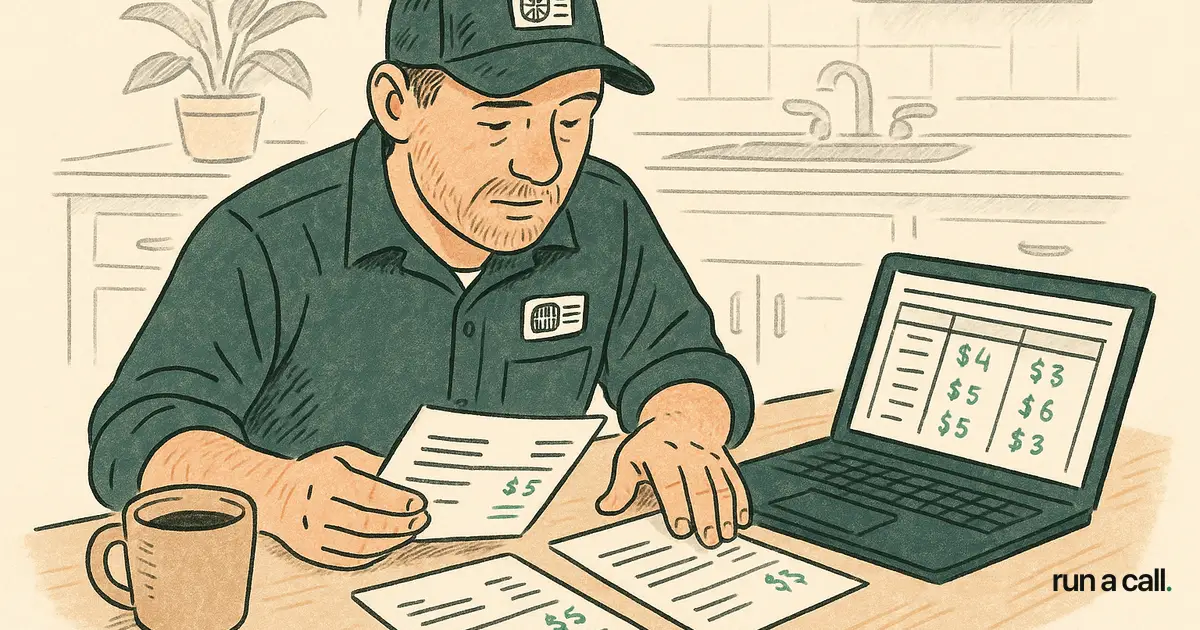
FieldEdge pricing is per-technician, which means a 15-tech shop pays materially more than a 5-tech shop for the same feature set. Capterra lists FieldEdge starting around $100/tech/month (source), though actual contract rates vary depending on your tier and negotiated terms. At 10 techs that baseline is roughly $1,000/month before any add-on modules.
Housecall Pro pricing is also per-user, tiered by feature access — their entry plan covers basic scheduling and invoicing, but dispatch features and reporting often require a higher tier. Shops switching from Housecall Pro to FieldEdge typically do so because they outgrow Housecall Pro's dispatch capabilities around the 8-10 tech mark. The inverse migration — from FieldEdge to something simpler — usually happens when owners realize they are paying for complexity they do not use.
When you are evaluating what comes next, compare the total annual cost, not just the monthly line item. A per-tech model at $100/tech/month costs a 12-tech shop $14,400 per year. A flat-price-per-shop model at one monthly rate covers every tech on your roster with no per-seat math. Run a Call charges one flat monthly price per shop — every user included, no contract, no per-tech fees.
For a full side-by-side of what shops our size actually pay across FieldEdge, Housecall Pro, Jobber, and ServiceTitan, the HVAC software pricing 2026 breakdown has the real numbers.
What to Look for in Your Next HVAC Software
Most owners leaving FieldEdge name the same three frustrations: per-tech pricing that grows faster than revenue, a pricebook that requires IT-level setup, and dispatch visibility that works fine on a good day but falls apart when two techs call out sick. Your next tool needs to solve at least two of those three before you commit.
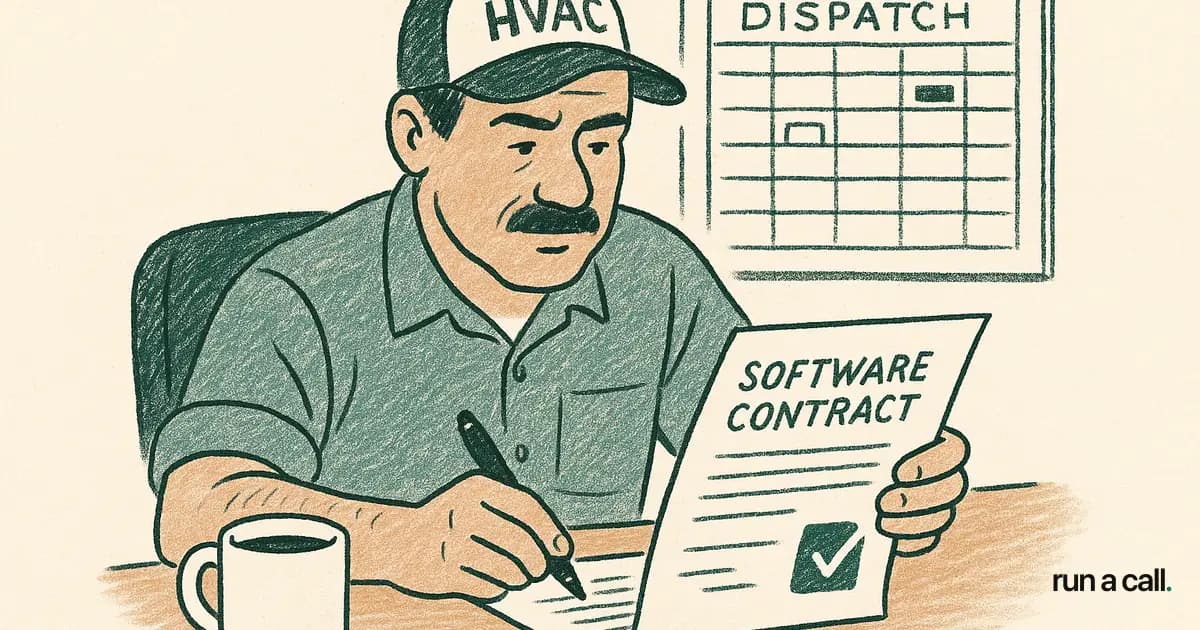
On the dispatch side, look for a drag-and-drop board that shows drive time, job duration, and tech availability in one view. Customer-favorite-tech rules — where the system suggests the same tech who did the last job at a given address — cut callback rates noticeably because the tech already knows the equipment. If a tool cannot explain why it suggested a tech, that is a gap.
For the pricebook, flat-rate is table stakes in 2026. What separates good from bad is how fast your techs can find a line item on a kitchen-table close. If it takes more than two taps to price a capacitor swap, you will lose close rate to paper. Test the pricebook workflow before you commit — not in a demo, but with your actual SKUs imported.
On reliability, ServiceTitan averages 2.9 outages per month at 188 minutes of average resolution time (per IsDown historical data). FieldEdge has had its own outage events. Ask any vendor you evaluate for their uptime history and whether they publish a public status page. If they do not, that tells you something.
If you are coming from FieldEdge and want to understand what else is out there — including whether a ServiceTitan alternative for HVAC makes sense for your shop size — the Migration & Switching guides cover the full landscape.
The Migration Checklist: Before, During, and After
Before you cancel:
Send written cancellation notice and get written confirmation
Pull your contract and note the ETF terms and notice period
Export all data tables: customers, jobs, equipment, pricebook, SPP agreements
Verify row counts on every export
Set up your new software and import the CSVs
Enroll your techs in the new system and run one full test dispatch cycle
During the parallel run (weeks 1-2):
Log all new jobs in the new system as primary
Cross-check open jobs daily between both systems
Reconcile invoiced revenue at end of each week
Contact SPP customers whose agreements are mid-cycle and confirm their enrollment in the new system
After cutover:
Confirm FieldEdge billing has stopped (check the next statement)
Archive your exported CSVs in a secure cloud folder — you may need job history for warranty disputes years later
Run a 30-day review: callback rate, average ticket, close rate — if any metric moved more than 5%, investigate whether it is a training gap or a software gap
Migrations that follow this sequence take two to three weeks from first notice to full cutover. Migrations that skip steps take two to three months and cost revenue the whole way through. The how to cancel ServiceTitan article uses the same framework for reference if you are evaluating both departures simultaneously.
Frequently asked
Does FieldEdge charge an early termination fee if I cancel mid-contract?
It depends on your specific contract. Some FieldEdge agreements include an ETF equal to the remaining months on the contract; others cap it at a fixed amount. Pull your original agreement and look for the "Termination" or "Early Termination" clause. If you cannot find it, request a copy from your account manager before you send your cancellation notice — you want to know the number before you trigger the clock.
How do I export my customer and job history data from FieldEdge?
Go to the admin panel in FieldEdge and navigate to Reports → Export. Run separate exports for customers, job history, equipment records, pricebook items, and SPP agreements. Download each as a CSV and verify row counts in a spreadsheet before closing your account. Do not rely on a single bulk export — it often misses equipment records or truncates technician notes. Start this process at least two weeks before your account closes.
How long does it take to switch from FieldEdge to new HVAC software?
A clean migration takes two to three weeks from the day you send your cancellation notice to the day you are fully live on the new system. That window includes the data export, CSV import into the new tool, a two-week parallel run where both systems are live, and a final revenue reconciliation before cutover. Shops that skip the parallel run routinely spend an additional month cleaning up missed jobs and billing errors.
Is FieldEdge pricing per technician or a flat rate?
FieldEdge pricing is per technician. Capterra lists a starting price around $100 per tech per month, though negotiated contract rates vary. At 10 technicians, that baseline is roughly $1,000 per month before add-on modules. If your crew is growing, per-tech pricing compounds quickly — compare it against flat-price-per-shop alternatives before renewing.
What should I look for when switching from Housecall Pro or FieldEdge?
Focus on three things: dispatch board visibility (drag-and-drop, drive-time aware, customer-favorite-tech rules), a pricebook your techs can navigate in two taps at the kitchen table, and a pricing model that does not penalize you for adding technicians. Test the pricebook and dispatch board with your actual data — not a vendor demo — before committing. Ask for the vendor's uptime history and whether they publish a public status page.
Ready to switch HVAC software?
Walk through the dispatch board, pricebook, and mobile app in 30 minutes. No commitment.

Co-founder of run a call. Owns engineering. €6M of operational systems at Airbus, then an AI workflow-automation firm acquired by Transputec, now Head of Enterprise Automation there.
Read full bio →