Switching from FieldEdge: The HVAC Owner's Step-by-Step Guide.
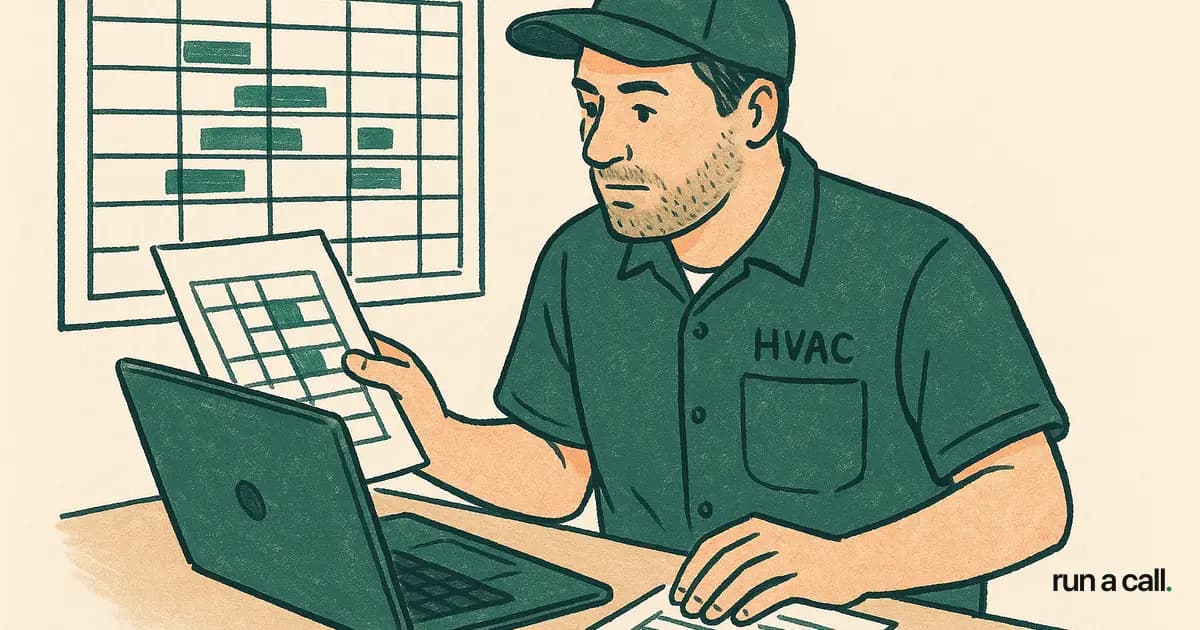
Most FieldEdge shops that call us say the same thing: "We knew it wasn't working six months ago, but we didn't know how hard leaving would be." The leaving is not as hard as you think — if you run the migration in the right order. This guide covers what FieldEdge actually costs you to keep, how to pull your data out cleanly, what switching from Housecall Pro looks like by comparison, and how to move your shop without dropping a single booked job.
Why HVAC Owners Start Looking to Leave FieldEdge
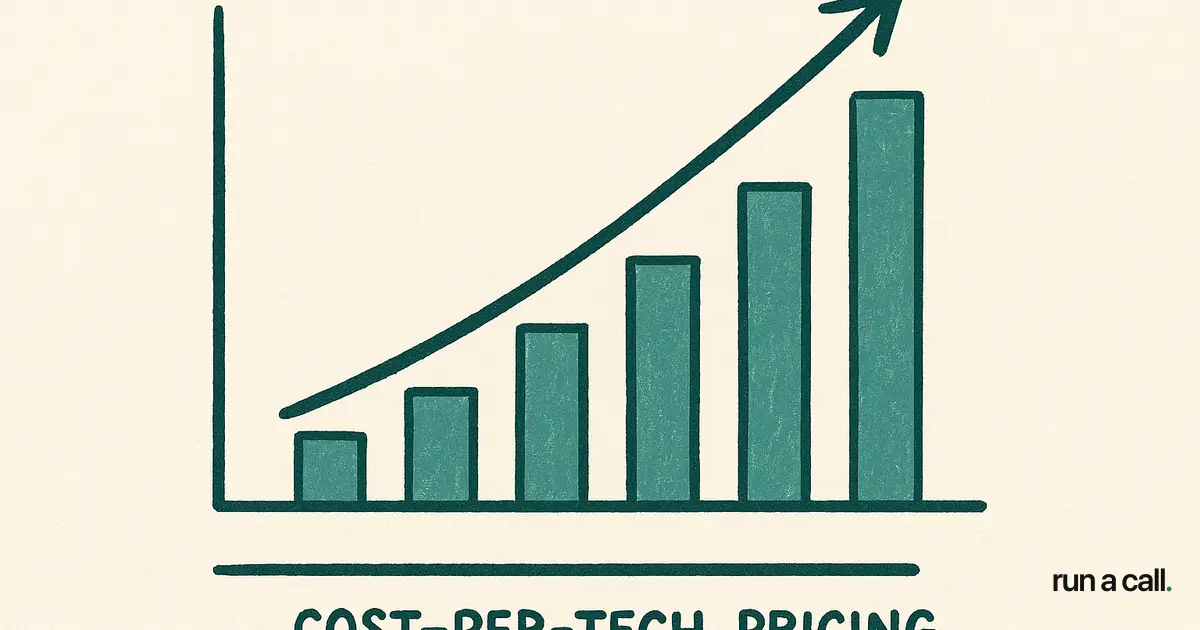
FieldEdge is a mature product built for the trades. It works — until the per-tech pricing model meets a growing shop. Owners with eight to twelve techs start doing the math and realize the monthly bill scales with every hire, which means growth punishes you.
The second complaint we hear most is the dispatch board. FieldEdge's board has improved, but shops running 30-plus calls a day find it rigid when they need to load-balance by zone, customer-favorite-tech rules, or install-vs-service split. A dispatcher who has to click five times to move a call loses time on every single job.
The third trigger is QuickBooks Desktop sync issues. When the sync breaks — and it does break — reconciliation takes hours. That is bookkeeper time, owner time, and sometimes a same-day emergency call to support. For shops already watching margins tighten with A2L refrigerant transitions and rising truck costs, the hidden labor cost of a broken sync is real money.
What Does FieldEdge Actually Cost?
FieldEdge pricing is not listed on their website, which means you negotiated a number when you signed and that number probably looks different from what a shop signing today would get. The per-tech fee structure is consistent: you pay more for every technician you add.
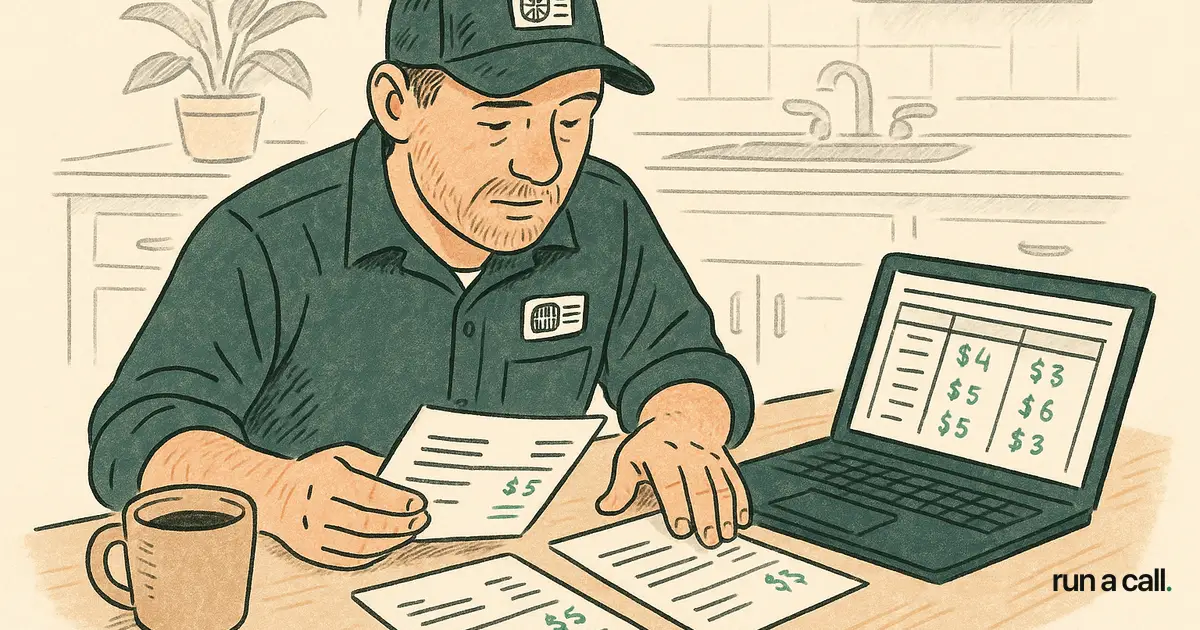
Shops we have spoken with report all-in monthly costs ranging from roughly $150 to $300 per tech depending on the tier and add-ons selected. For a 10-tech shop that adds two techs, that is $300-600 in additional monthly spend with no new features — just more seats. You can see a full breakdown of what shops actually report paying in our FieldEdge pricing and switching guide.
Compare that to a flat-per-shop model: one price, every user included, no per-tech fees. The crossover point where flat pricing saves money is usually somewhere between five and seven techs. Above that threshold, every technician you add on a per-tech model costs you margin.
How to Export Your Data from FieldEdge
FieldEdge data export is available — you are not locked into a proprietary black box. The key is knowing what to pull and in what order before you submit cancellation notice.
Customer records: Export your full customer list with addresses, phone numbers, email, and equipment type. FieldEdge allows CSV export from the customer module. Run this export twice — once at the start of your migration window and once on your final day, so you catch any new customers added during the transition.
Equipment history: This is the data most shops forget to pull until it is too late. Every unit your techs have touched — make, model, serial number, install date, service history — lives in FieldEdge's equipment module. Export it as a CSV and cross-reference it against your customer list before you import anywhere new.
Pricebook: If you have built a flat-rate pricebook inside FieldEdge, export it as a CSV. You will need to reformat column headers for any new system, but the underlying data — task descriptions, labor times, parts costs, sell prices — is portable. Our HVAC pricebook setup guide walks through how to structure that data for a clean import.
Open invoices and payments: Pull a report of all open invoices before you cancel. Any job that closes after your export date but before your cutover needs to be manually reconciled. Keep a 14-day window in your calendar specifically for this.
FieldEdge Cancellation: What the Process Actually Looks Like
FieldEdge cancellation requires written notice — verbal is not enough. Pull your current contract and find the notice period clause. Most FieldEdge contracts require 30 days written notice, but some negotiated agreements include 60-day windows. If you miss that window by a week, you are billed for another full cycle.
Send your cancellation notice via email and request written confirmation of receipt. Do not assume a phone call counts. Keep the confirmation email in a dedicated folder — if there is any billing dispute after your cancellation date, that timestamp is your evidence.
Do not cancel your FieldEdge account the same day you go live on a new system. Run the parallel period first (see next section), then submit notice. The overlap cost is worth it. Losing a week of customer history because you cut over too fast costs more than an extra month of FieldEdge fees.
The Parallel-Run Pattern That Prevents Data Loss
The single biggest migration mistake HVAC shops make is a hard cutover: cancel old software on Friday, go live on new software Monday. That approach drops calls, loses follow-up reminders, and forces dispatchers to work from memory on existing SPP customers.
The right pattern is a 10-14 day parallel run. New jobs get entered in the new system from day one. Existing open jobs finish in FieldEdge and are closed there. Any job that spans the cutover window — a multi-day change-out or a commercial RTU install — gets mirrored in both systems until it closes.
For dispatch specifically, run your new dispatch board in view-only mode for the first week before your dispatchers own it fully. Identifying the gaps in your data import — a tech whose service zone is wrong, a customer whose preferred-tech flag didn't transfer — is much easier when you have FieldEdge as a reference point sitting open on a second monitor.
This same pattern applies if you are switching from Housecall Pro. The data structures are slightly different — Housecall Pro exports customer data and job history cleanly, but membership/SPP records need manual review before import. The parallel-run window gives you time to catch those edge cases without a customer ever knowing you switched.
Choosing Where You Land: What to Evaluate Before You Commit
Switching from FieldEdge is not worth the disruption unless the new system actually fixes the problems that made you leave. Before you sign anything new, run through this checklist.
Dispatch board: Can your dispatcher drag and drop calls? Does the board show tech location, job type, and estimated drive time at a glance? For a 10-15 tech shop running 40 calls a day, the dispatch board is the most-used screen in the building. Our HVAC dispatch software evaluation guide has a detailed walkthrough of what features actually matter at that call volume.
Pricing model: Per-tech or per-shop? If you are growing, per-tech fees will follow you to your next system. Ask the vendor directly: what does my bill look like if I add three techs in the next year?
QuickBooks Desktop sync: If you are on QuickBooks Desktop, confirm the sync is native — not a third-party connector you have to manage separately. Ask for a demo of a sync failure: what happens, how do you know, how do you fix it?
Voice agent / after-hours coverage: Missed calls after 6pm are booked revenue you never recover. Some shops use an answering service; others are now running a voice agent that answers 24/7, books directly into the dispatch board, and sends a call summary to your inbox. Ask whether that's included or an add-on.
Migration support: Will the vendor move your data, or are you on your own with a CSV import guide? At minimum, you want a dedicated onboarding contact who has done FieldEdge migrations before.
If you want to see how Run a Call handles all of this, you can walk through Run a Call without a demo call — the full product is documented and explorable before you spend a minute of your time on a sales call. If you are also comparing options that include ServiceTitan, our ServiceTitan alternative for HVAC guide covers why most 5-25 tech shops find the per-tech cost and 6-12 month onboarding timeline are not worth it.
For a broader look at all the migration paths available to HVAC shops, our Migration & Switching guides cover FieldEdge, Housecall Pro, ServiceTitan, and more in one place.
Frequently asked
How long does switching from FieldEdge actually take?
Most shops complete the full migration — data export, import, parallel run, and final cutover — in 3 to 4 weeks. The parallel-run window accounts for about 10-14 days of that. Shops that try to compress it to a single weekend typically spend the following two weeks manually fixing data gaps.
Can I get my customer history and equipment records out of FieldEdge?
Yes. FieldEdge allows CSV export of customer records, equipment history, and pricebook data. Run the export at the start of your migration window and again on your final day to capture any customers added during the transition. Do not cancel your account before you have confirmed your exports are complete and importable.
Is switching from Housecall Pro different from switching from FieldEdge?
The process is similar — CSV export, parallel run, cutover — but Housecall Pro membership and SPP records require extra attention. Housecall Pro stores recurring membership data in a format that does not always map cleanly to another system's SPP module. Budget extra time to manually verify that every active membership transferred correctly before you go live.
What notice period does FieldEdge require to cancel?
Most FieldEdge contracts require 30 days written notice, though some negotiated agreements include a 60-day window. Check your specific contract before you submit anything. Send cancellation in writing and request a confirmation receipt — do not rely on a phone call as your record.
Why does per-tech pricing matter when I'm comparing FieldEdge to alternatives?
Per-tech pricing means your software bill grows with every hire. A shop with 8 techs paying $200 per tech per month pays $1,600/month. Add 4 techs and that jumps to $2,400 — for the same features, just more seats. A flat-per-shop model fixes that cost regardless of how many techs you add, which changes the ROI calculation significantly once you are past five or six people.
Ready to switch HVAC software?
Walk through the dispatch board, pricebook, and mobile app in 30 minutes. No commitment.

Co-founder of run a call. Owns engineering. €6M of operational systems at Airbus, then an AI workflow-automation firm acquired by Transputec, now Head of Enterprise Automation there.
Read full bio →