
Dispatch Board
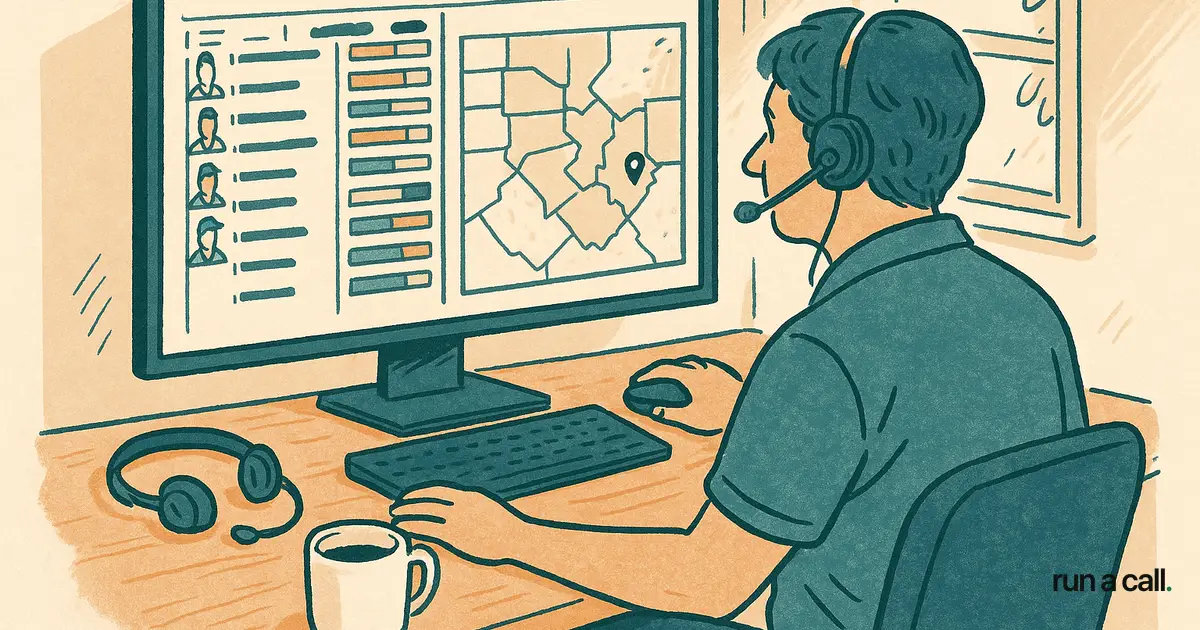
The dispatch board is the real-time visual overview a dispatcher uses to see every open job, every technician's location and status, and every unassigned call — all on one screen. In modern field-service software it replaces the whiteboard or spreadsheet that used to hang on the shop wall.
$0 in lost revenue is the goal — but a bad board costs real money. When a dispatcher can't see the full day at a glance, she's guessing on drive time, stacking two techs at the same zone, or letting a capacitor call sit unassigned for 90 minutes while a tech 4 blocks away wraps his previous job. That delay turns a $180 capacitor ticket into a $0 callback because the homeowner calls someone else.
The board itself has two jobs: show what's happening right now, and surface the next best move. Columns typically show tech name, truck, zone, current job status (en route / on site / wrapping), and the next open slot. Rows are time blocks. A dispatcher who's been doing this 10 years reads the board the way a chess player reads the board — not piece by piece, but as a pattern. Software that clutters the view with 14 color codes and pop-up modals slows that pattern recognition down.
Operators coming from a whiteboard often underestimate how much the board drives close rate. A tight board means the comfort advisor hitting the kitchen table has a same-day install slot to offer. A loose, unreadable board means "we can get someone out Thursday" — and that changes-out differently in August than it does in April. Dispatch board discipline is one of the fastest levers for average ticket, because it directly controls how many same-day opportunities you can actually fulfill.
In software like Run a Call, the dispatch board includes explainable AI dispatch — it suggests a tech and shows you why (drive time, skill match, truck stock), then learns from your thumbs-up or thumbs-down. That keeps the dispatcher in control without making every assignment a mental math problem. The board also feeds into callback rate tracking: if you can see which jobs closed same-day versus which got pushed, you can start connecting dispatch decisions to warranty callbacks two weeks later.
Frequently asked
What is a dispatch board in HVAC?
It's the central screen — physical whiteboard or software view — where a dispatcher tracks every technician's status and every open job in real time. A good board shows zone, job type, drive time, and next available slot without requiring clicks to find any of it.
How is a dispatch board different from a scheduling calendar?
A scheduling calendar shows *when* jobs are booked. A dispatch board shows *where techs are right now* and *what needs to happen next*. The board is a live operational view; the calendar is a plan. During a busy summer day, the plan is outdated by 8 AM — the board is what the dispatcher actually runs on.
What should I look for in dispatch board software for a small HVAC shop?
Look for a single-screen view with no required clicks to see tech status, zone, and open calls. You want color coding that's simple enough for a dispatcher to read in two seconds, not 14 shades of status. Explainable assignment suggestions help too — software that tells you *why* it picked a tech (drive time, skill, truck stock) so you can override with confidence, not just accept blindly. Avoid tools that bury the board behind three menu levels or require a separate module at extra cost.