HVAC Dispatching Tips: 7 Practices That Separate Tight Shops from Chaotic Ones.
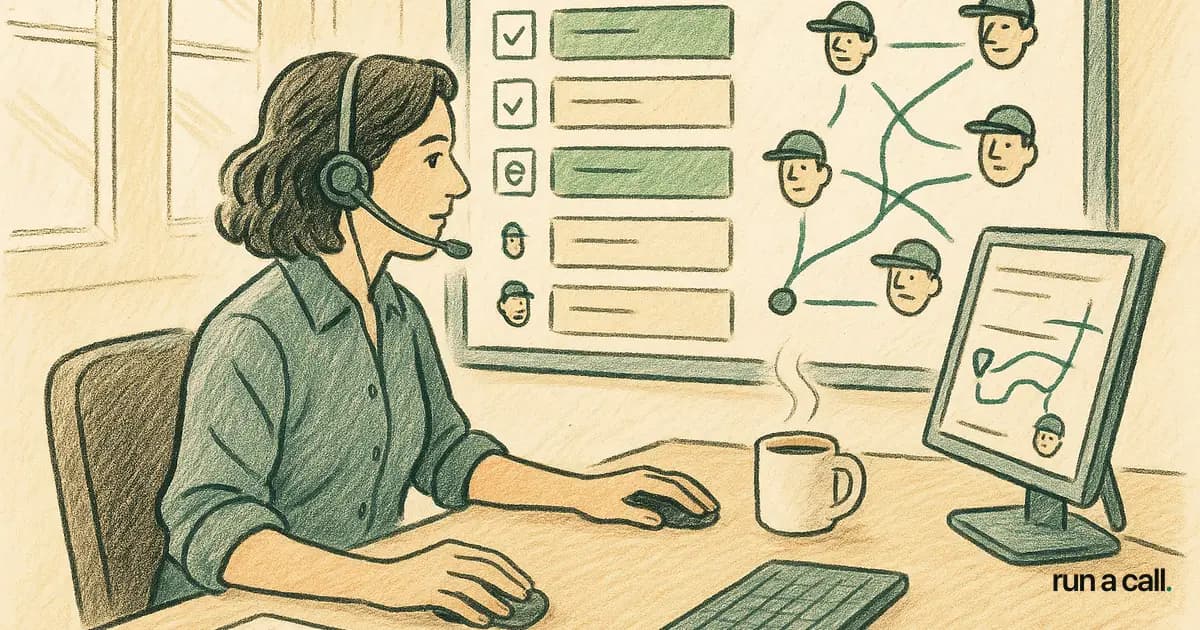
At 8:07 a.m. your CSR is booking a same-day capacitor call, your dispatcher is texting three techs about truck stock, and your parts runner just left for the supply house without a list. That one hour — 8 a.m. to 9 a.m. — is the highest-leverage hour in your entire day, and most shops burn it in chaos. Residential HVAC shops running 5-25 techs typically handle 12-22 service calls per tech per day, with 30-50% of that volume coming in same-day. If your dispatch process is not tight before 9 a.m., you are already behind — and you will feel it in callbacks, missed close opportunities, and a dispatcher who sounds apologetic on every customer call.
Why Most HVAC Dispatch Problems Start the Night Before
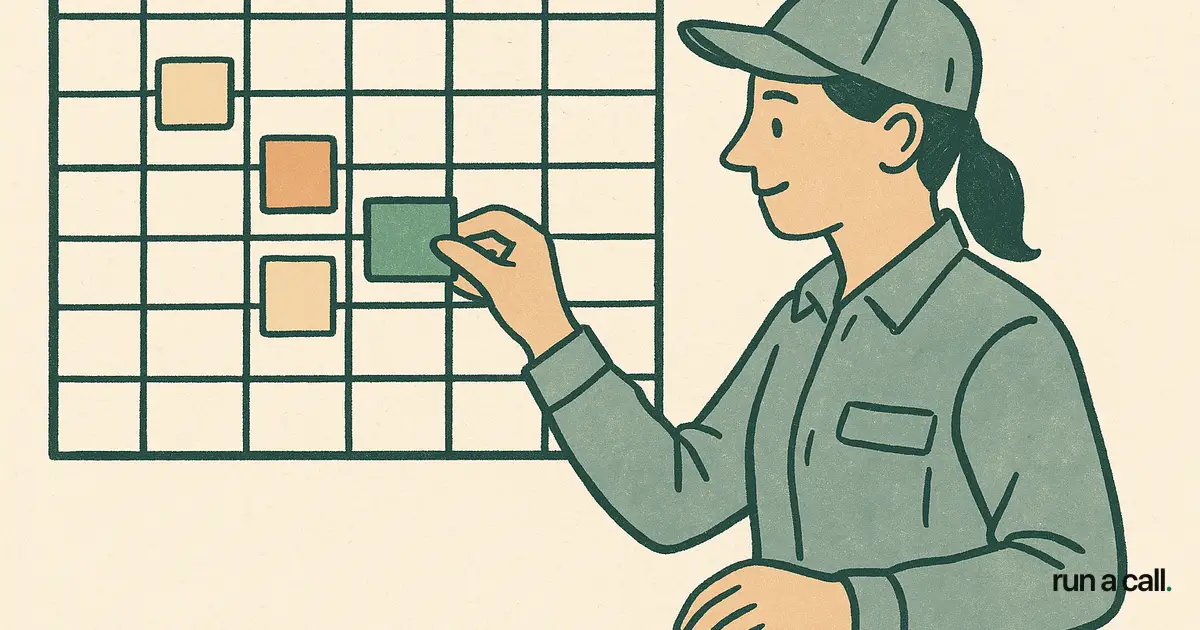
The best dispatchers I have watched — including the one who ran my dad's shop through three summers — never start their morning from scratch. They end the previous day with tomorrow's board half-loaded: maintenance agreements pre-assigned by zone, change-out appointments blocked for the right tech, and truck stock confirmed for the first wave of calls.
When you start the day blank, every booking decision is reactive. You are matching customers to techs based on who called last, not who is closest, most qualified, or who served that address before. That reactive pattern is how you end up sending your mini-split specialist to a straight-cool RTU call and your senior tech to a $79 tune-up.
Build a close-of-day checklist for your dispatcher: confirm next-day appointments, assign techs by zone, flag any callbacks or warranty returns that need a specific tech, and note parts that need to be pulled. Fifteen minutes at 4:30 p.m. saves 45 minutes of scrambling the next morning.
The Customer-Favorite-Tech Rule: An 8-15% Close Rate Lift You Are Leaving on the Table
Routing a repeat customer to the same technician who served them last lifts close rate by 8-15% on service calls. That number comes from industry-aggregate data across residential shops, and it tracks with what operators describe in their own words: "My customers ask for Mike by name. When we send someone else, they don't buy the part."
This is not a relationship-management theory — it is a dispatching rule. Your dispatch software should surface the last-serving tech automatically when a known customer books. If you are manually scanning job history to find that information, you are too slow to act on it during the booking call.
Set up the rule in your dispatch board: flag repeat customer addresses, pull the last tech automatically, check their schedule first before assigning anyone else. If the preferred tech is unavailable, your dispatcher should know that before the customer hangs up — not after rescheduling.
For more on how software supports this rule in practice, the guide to hvac dispatch software covers what to look for across the main tools in this market.
How to Run the 8am-9am Dispatch Rush Without Losing the Board
The morning dispatch window is where board control either holds or falls apart. Here is the sequence that works in shops that run it well:
6:45 a.m. — Dispatcher reviews pre-loaded board, confirms tech start locations, flags any same-day emergency slots.
7:30 a.m. — First tech check-in. Status confirmed: who is en route, who is waiting on parts, who has truck stock gaps.
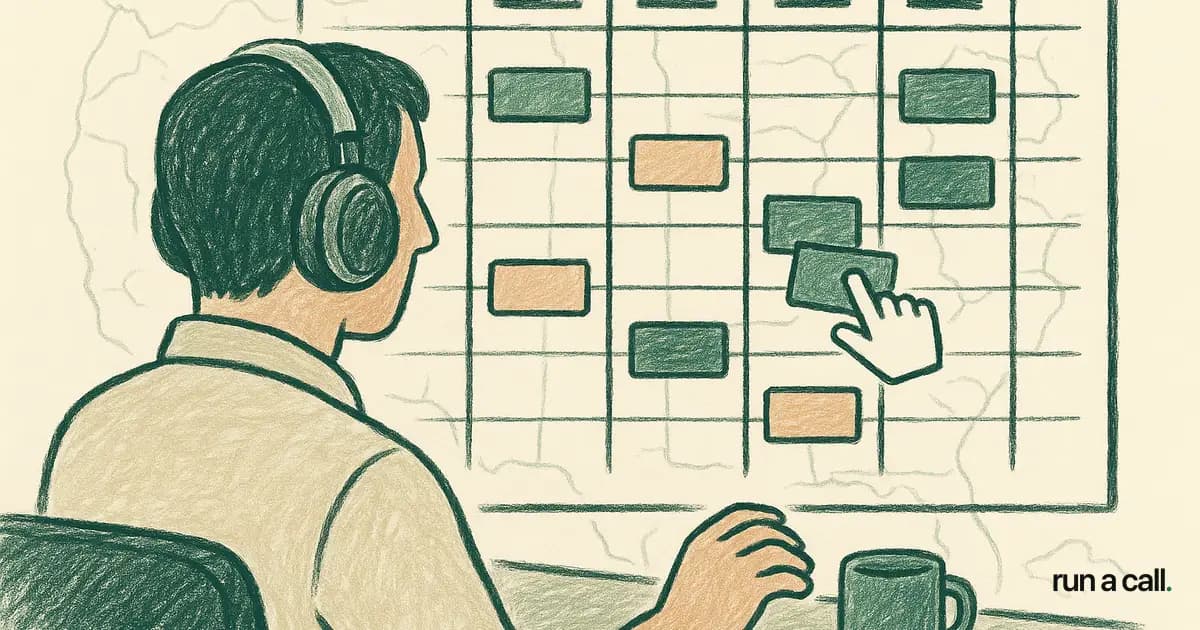
8:00 a.m. — CSR opens phones. Same-day calls start coming in. Dispatcher uses board status — not a mental map — to assign jobs. Every assignment goes through the board, not a group text.
8:45 a.m. — First wave of techs is on-site or en route. Dispatcher updates ETAs for mid-morning appointments and flags any scheduling conflicts before they become customer calls.
The single most common breakdown I see: dispatchers using a group text thread as the dispatch board. Texts have no status, no location, no job history. When a call comes in at 8:20 a.m. and your dispatcher is scrolling back through 47 messages to find out where Tech 3 is, you have already lost five minutes and the customer's confidence.
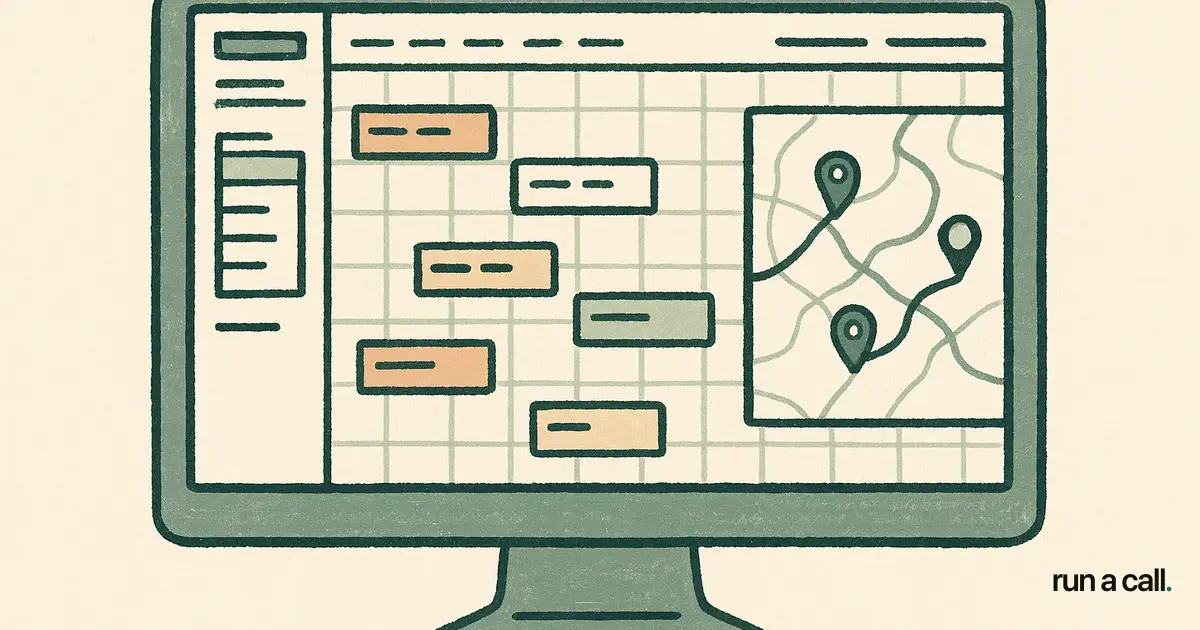
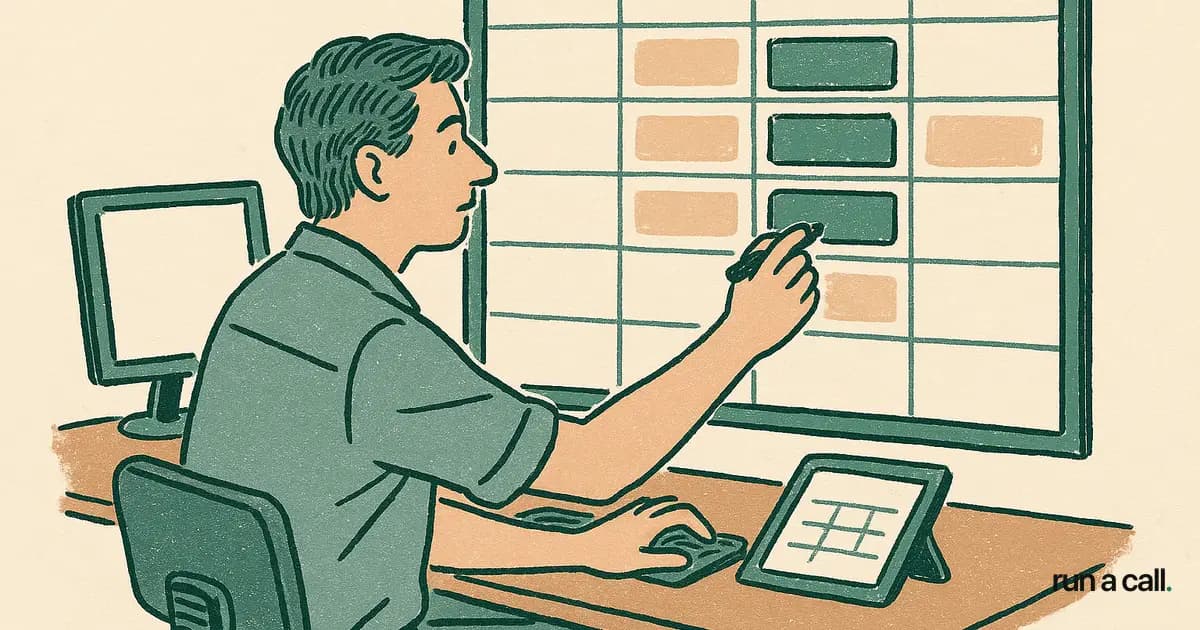
A visual drag-and-drop dispatch board cuts the average assignment decision from minutes to seconds. You see open slots, tech locations, and job types at a glance — no scrolling required.
Callback Rate: The One Metric That Tells You If Your Dispatch Is Working
Callback rate — the percentage of jobs that generate a return trip within 30 days — is the strongest leading indicator of dispatch quality in a residential HVAC shop. Shops that hold a 30-day callback rate below 5% retain customers 3-5 times longer than shops running above it.
Most owners track revenue and close rate. Few track callbacks by tech, by job type, or by dispatch decision. That is a mistake. A high callback rate on capacitor replacements might mean your techs are not doing a full system check before leaving the call — a training issue. A high callback rate on new change-outs might mean your comfort advisors are setting up installs on jobs that needed a load calculation first — a dispatch and sales issue.
Pull your callback data monthly and cut it three ways: by technician, by job category (maintenance, repair, install), and by the original dispatching decision (was this a preferred-tech match or a cold assignment?). The pattern will tell you where the breakdown is — in the field, in dispatch, or in the hand-off between CSR and dispatcher.
If your dispatch software does not make this report easy to run, that is a gap worth addressing. You cannot fix what you cannot see.
What Explainable AI Dispatch Actually Does for a Dispatcher
Dispatchers are skeptical of black-box suggestions — and they should be. "The software said to send him" is not a defensible answer when a customer calls back upset. Explainable AI dispatch works differently: it shows the dispatcher why a tech was suggested, not just who.
Confidence scores and reason chips — "closest to job," "last served this address," "certified for mini-split," "light schedule" — give the dispatcher real information to act on or override. When the dispatcher disagrees with a suggestion and thumbs it down, the system learns. That feedback loop makes suggestions better over time and makes the dispatcher's instincts visible to the system.
For shops with a new or less experienced dispatcher, this is a training tool as much as a routing tool. A junior dispatcher looking at a confidence score of 62% with the reason chip "no prior visit" knows to double-check before assigning. An experienced dispatcher knows when to override the 91% suggestion because they have context the algorithm does not — the customer called in upset last week, or that tech just came off a long call and needs a shorter drive.
Run a Call ships this model: explainable AI dispatch with confidence scores, reason chips, and thumbs feedback — one flat monthly price per shop, every user included, no per-tech fees, no contract. See the full pricing at /pricing.
Building a Dispatcher Training Manual That Actually Holds Up
Most HVAC dispatcher training manuals are either a binder no one reads or a Slack message that gets buried. The ones that hold up are built around decisions, not procedures.
Document the decisions your best dispatcher makes automatically: how they handle a same-day emergency that conflicts with a maintenance window, how they manage the board when two techs call out, how they communicate an ETA change to a customer without losing the appointment. These are judgment calls — and they need to be written down before your best dispatcher leaves.
A useful training manual covers five areas: (1) board setup ritual — start-of-day and close-of-day steps; (2) job prioritization rules — emergency vs. maintenance vs. install by time of day; (3) tech matching rules — preferred-tech routing, certification matching, zone logic; (4) communication scripts — how to deliver bad news (delayed ETA, parts backorder) without losing the customer; and (5) escalation triggers — when the dispatcher calls the owner versus handles it themselves.
Pair the manual with your dispatch software's actual workflow. If your dispatcher is trained on a process that does not match the tool they use every day, the manual is already obsolete. Walk through how the board works, how to read tech status, and how to use AI suggestions as a starting point — not a final answer.
For shops evaluating tools that support this kind of structured dispatch, the ServiceTitan alternative for HVAC guide compares how different software handles dispatcher workflow, onboarding, and training support.
Frequently asked
What is the most important HVAC dispatching tip for a shop with 5-10 techs?
Get off group texts and onto a visual dispatch board. At 5-10 techs, most shops are still dispatching through phone calls and text threads. A drag-and-drop board where you can see every tech's status, location, and job queue in real time cuts decision time and prevents double-bookings. The second tip: document your dispatcher's decision rules before they become tribal knowledge no one else has access to.
How do I measure HVAC dispatch quality?
Start with 30-day callback rate. Shops with a callback rate below 5% retain customers 3-5 times longer than shops running above it. Cut that number by technician and by job category every month. Also track on-time arrival rate (customer expectation vs. actual arrival) and first-call resolution rate. These three metrics together tell you whether your dispatch decisions, your field execution, and your customer communication are aligned.
What should an HVAC dispatcher training manual include?
A strong HVAC dispatcher training manual covers five areas: (1) board setup rituals — start-of-day and close-of-day steps; (2) job prioritization rules by time of day and call type; (3) tech matching logic — preferred-tech routing, certification requirements, zone assignments; (4) customer communication scripts for common friction points like delayed ETAs and parts backorders; and (5) escalation triggers — when to call the owner versus handle independently. The manual should be tied directly to the dispatch software your shop uses, not written as an abstract procedure.
Does routing repeat customers to the same technician actually improve close rate?
Yes. Industry-aggregate data across residential HVAC shops shows that routing a repeat customer to the same tech who served them last lifts close rate by 8-15% on service calls. The reason is straightforward: the tech already knows the equipment, the customer trusts them, and the conversation starts from a warmer baseline. Your dispatch software should surface the last-serving tech automatically when a known customer books — if it doesn't, you're making this decision too slowly to act on it during the booking call.
What is explainable AI dispatch and how is it different from regular dispatch automation?
Explainable AI dispatch shows the dispatcher *why* a technician was suggested — through confidence scores and reason chips like 'last served this address,' 'closest to job,' or 'certified for this equipment type' — rather than just assigning a tech silently. The dispatcher can act on the suggestion, override it, or thumb it down to improve future suggestions. This is different from black-box dispatch automation, where a tech gets assigned without any visible reasoning. Explainable dispatch is also a training tool: junior dispatchers learn the routing logic by seeing it explained on every card.
Ready to switch HVAC software?
Walk through the dispatch board, pricebook, and mobile app in 30 minutes. No commitment.

Co-founder of run a call. Owns product and operations. AI Strategist; built and sold an AI process-automation firm; before that ran transformation programs at HP.
Read full bio →